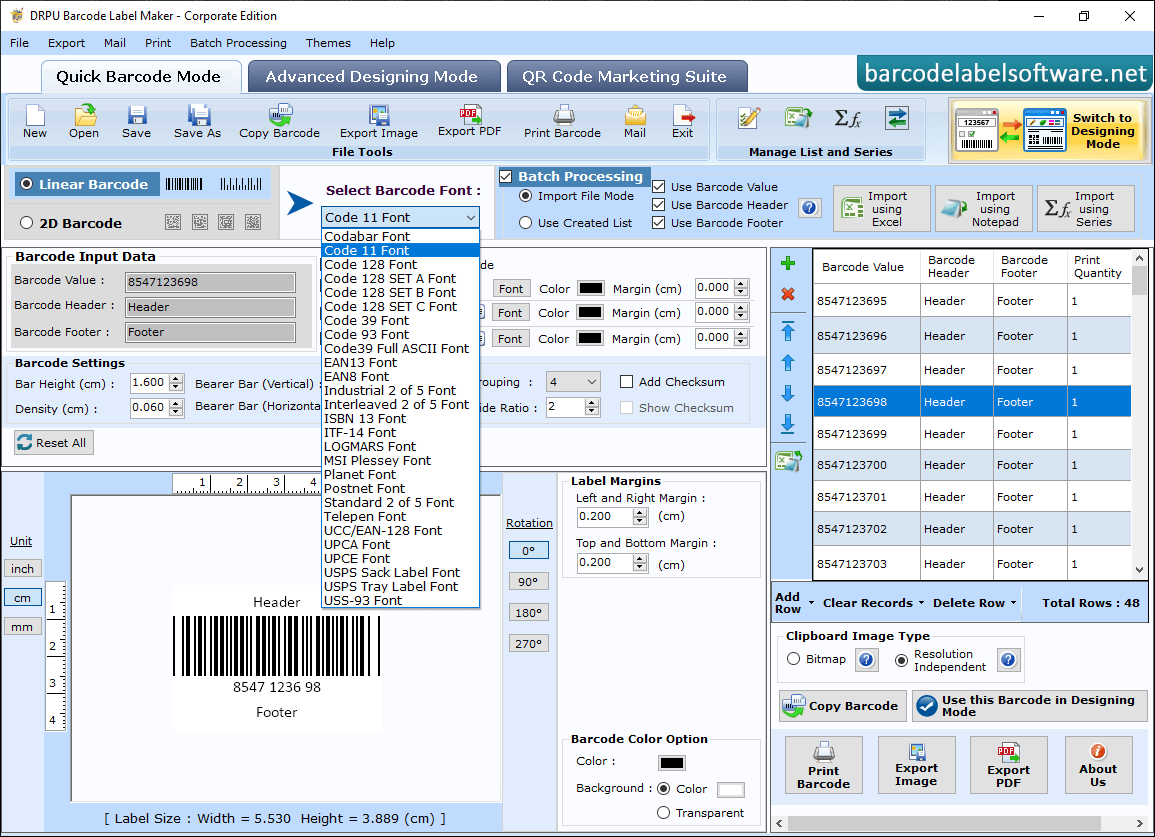
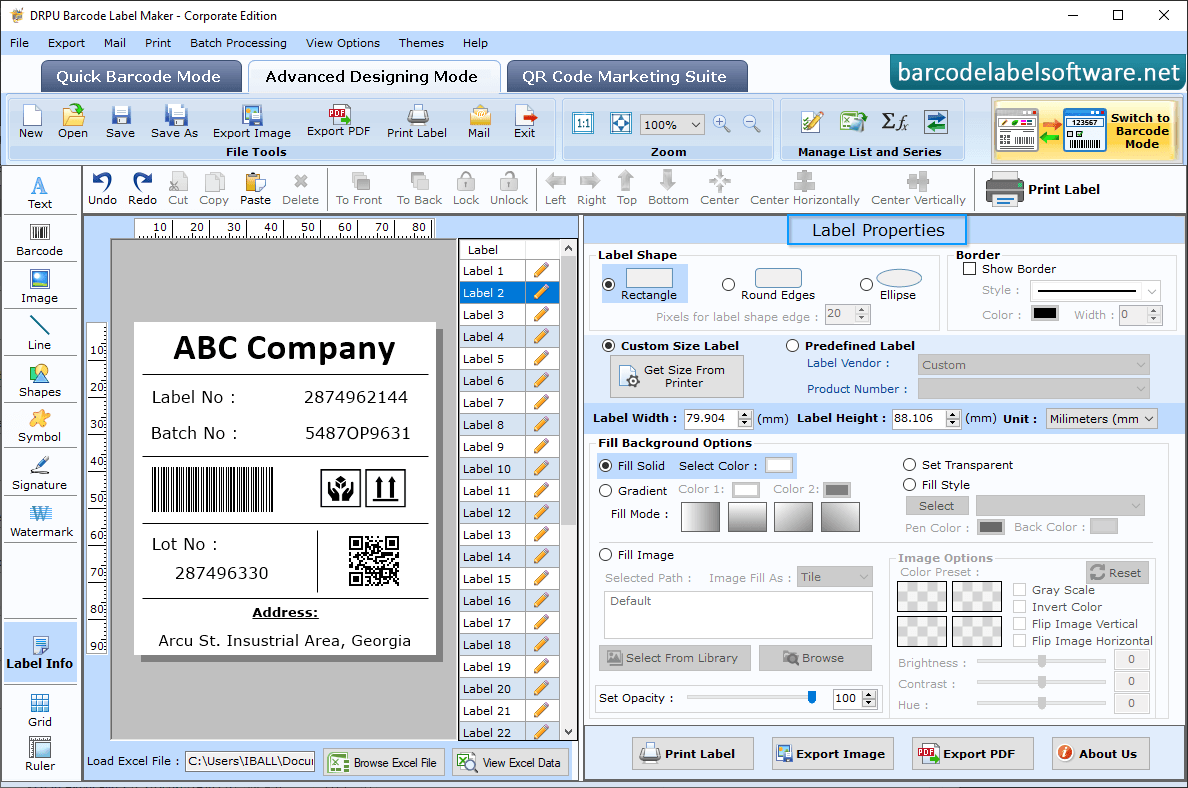
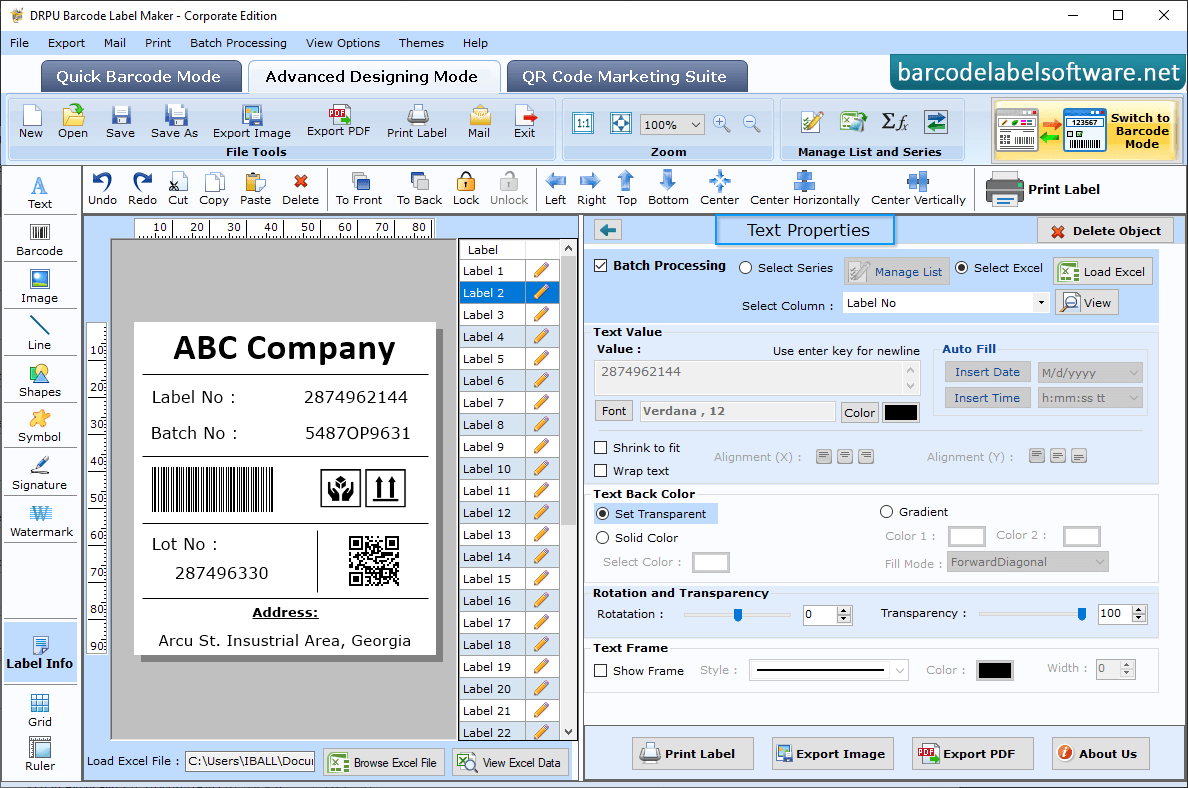
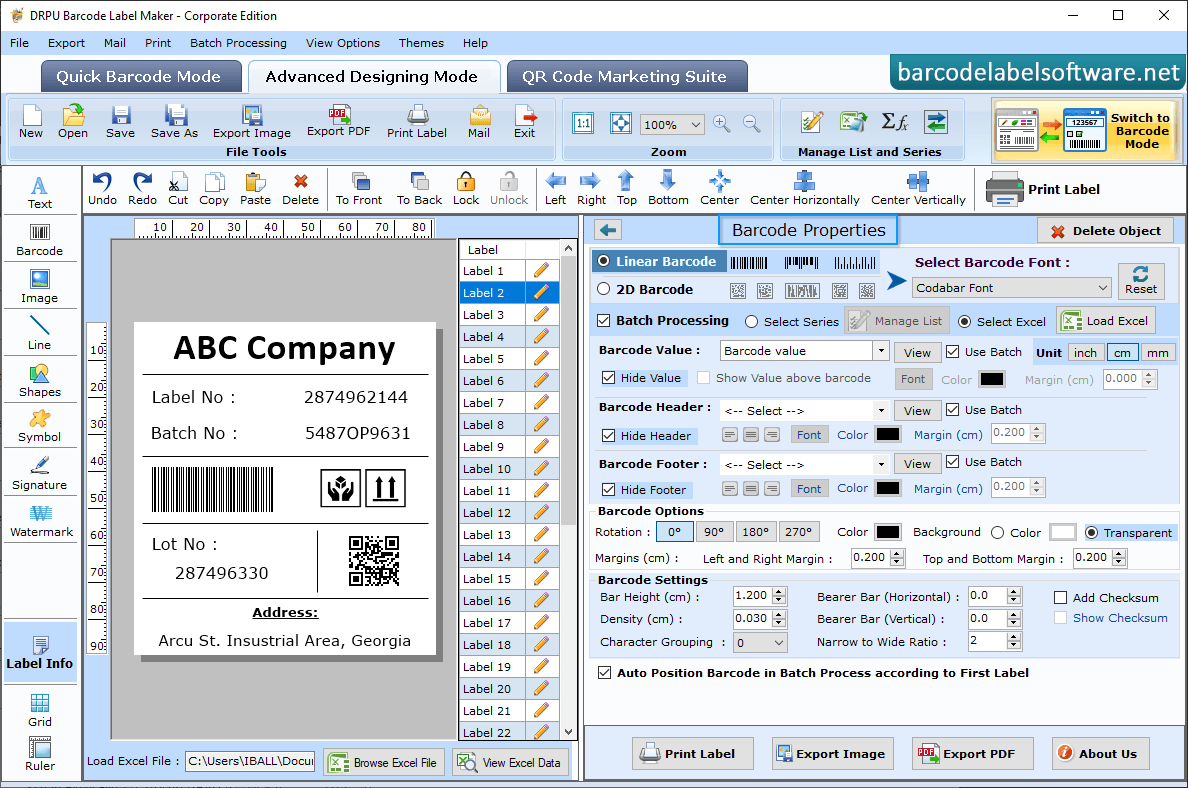
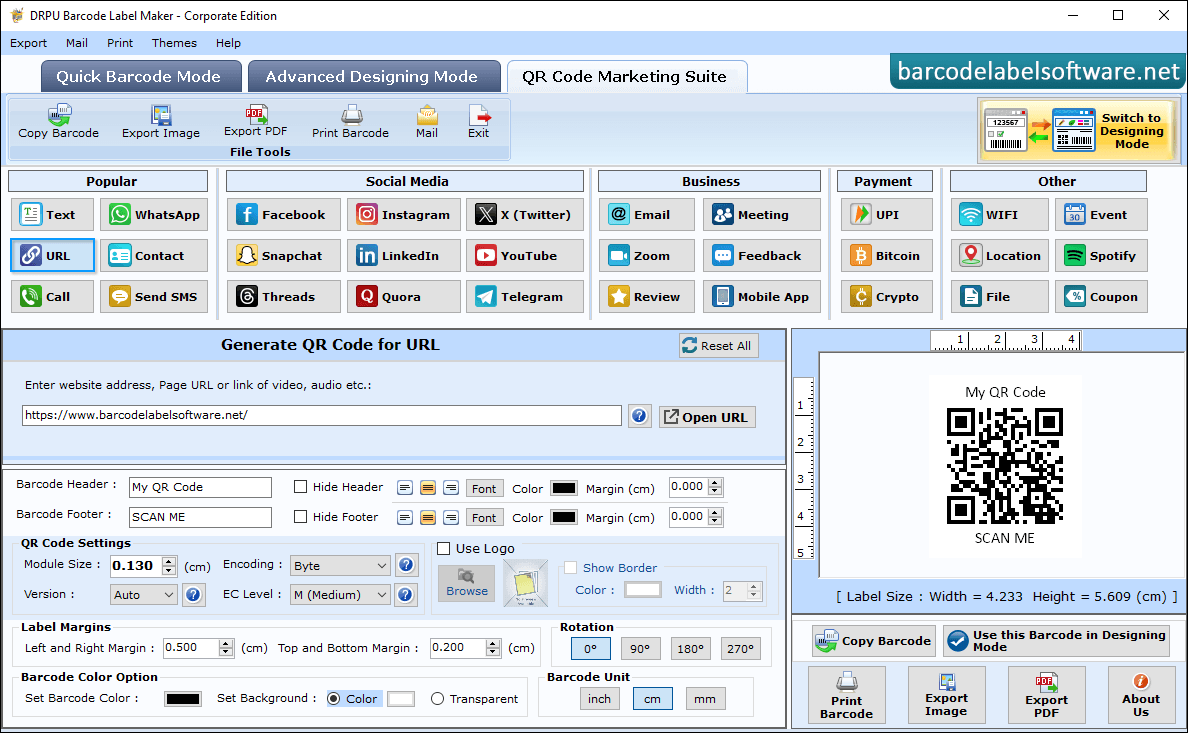
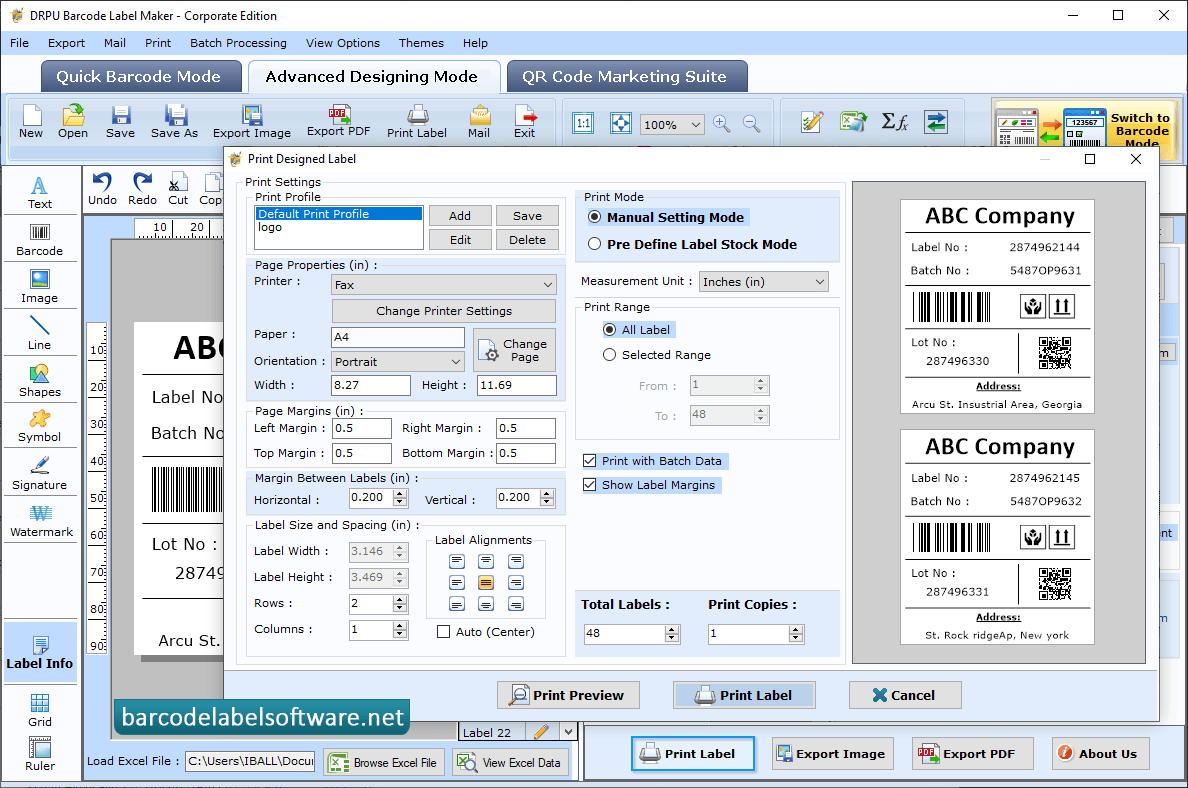
You can change Barcode Header Font, Footer Font and Value Font using Font Settings tab. Double click on Barcode, which is on the label and change your Barcode Properties using Value, Size, Font and Color tabs. Go to Bracode Label Text Properties and you can change Barcode text value nad text frame. Designed Linear Barcode using Code Font. You can set other barcode properties using General Settings, Font Settings, Color Settings and Image Settings tabs. Using QR code Marketing mode you can generate any type of QR code such as URL, File, YouTube, Call, UPI, Location etc. To print designed barcode label, set print properties and click on 'Print' button.