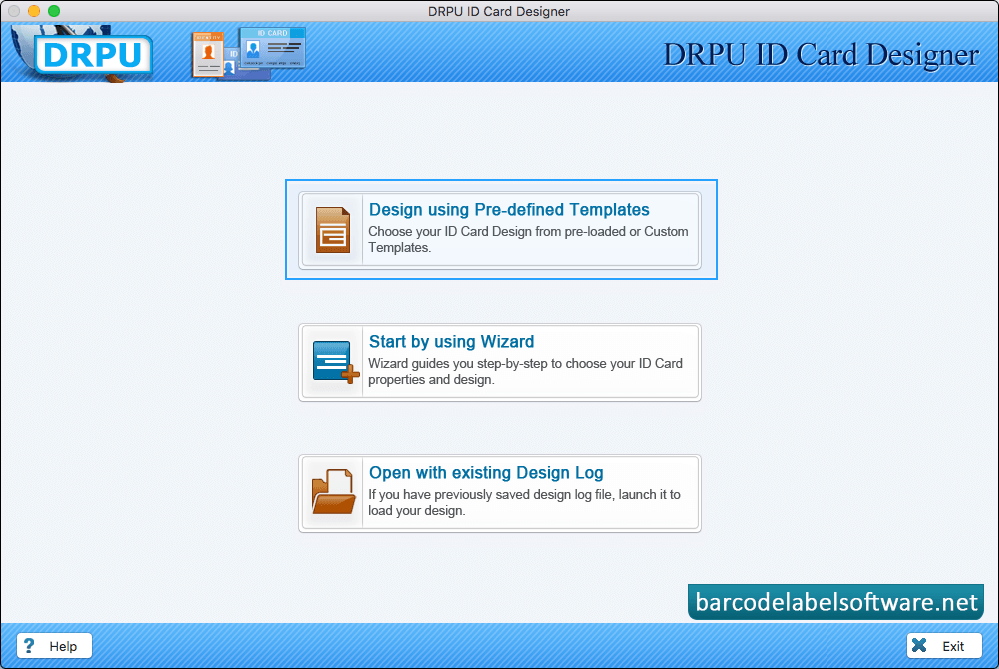
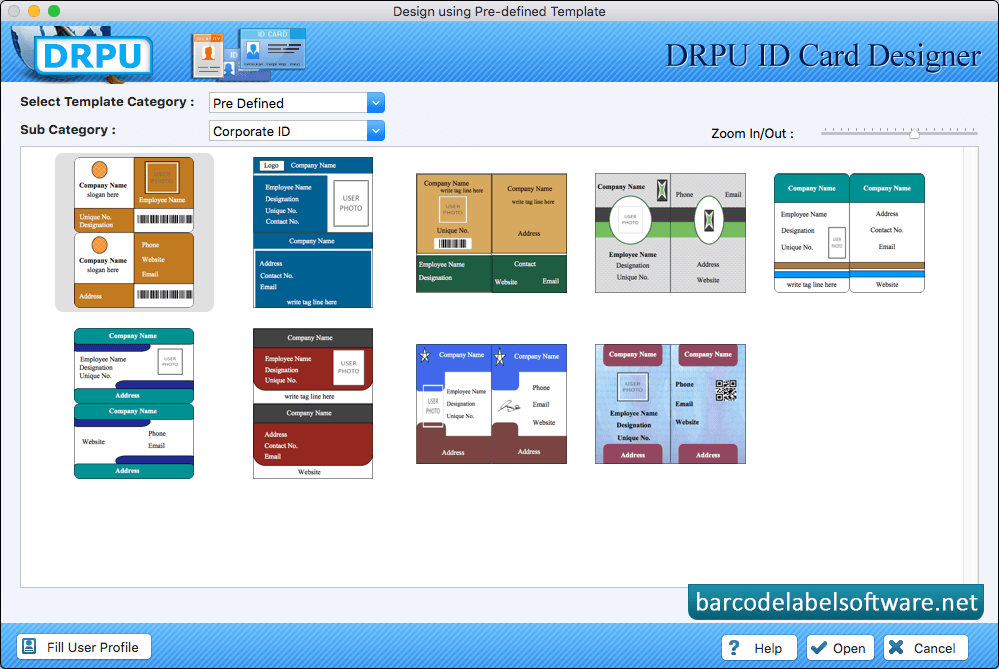
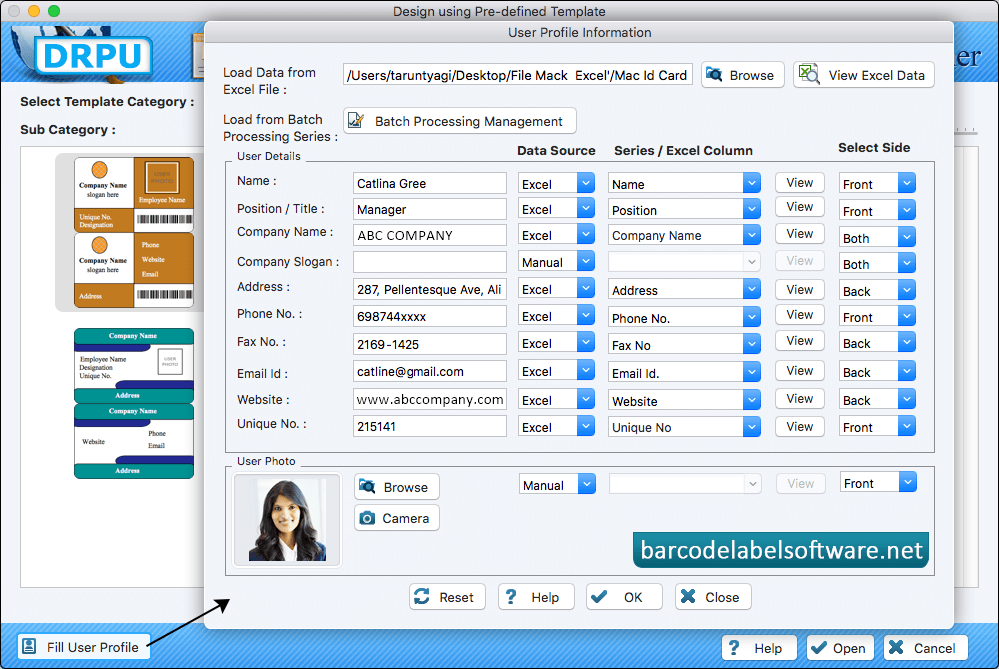
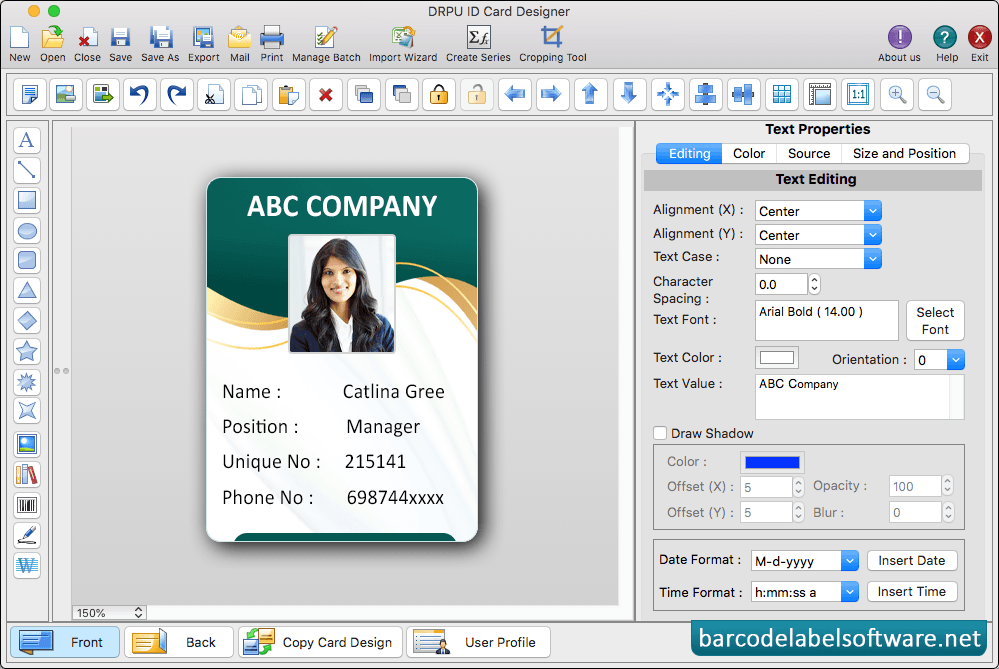
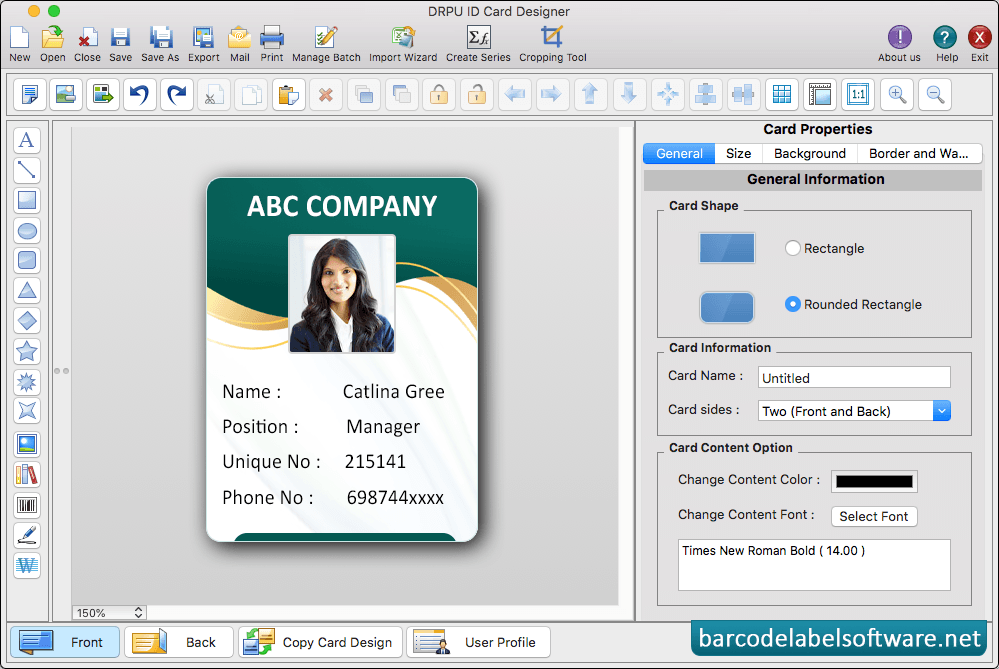
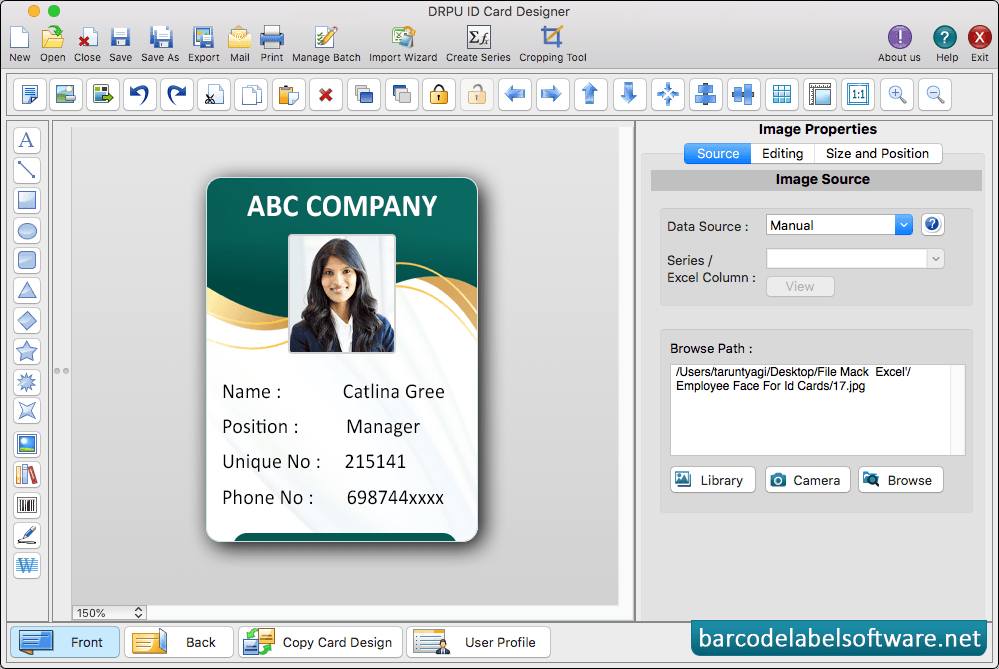
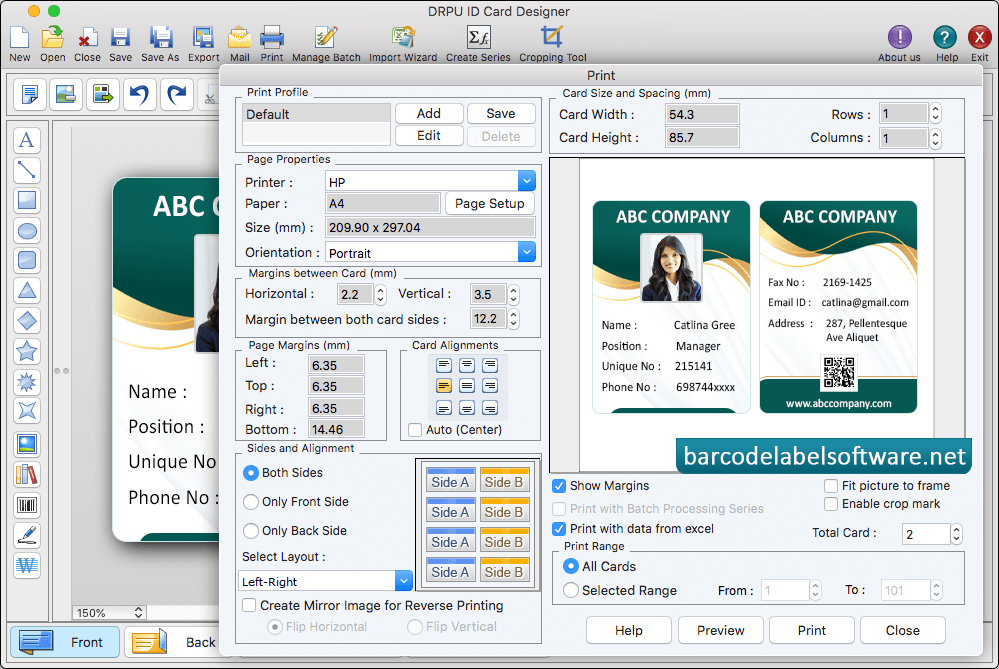
Select any mode for designing ID Card. According to your requirement.Select pre-defined template and proceed to 'Next' button.To add details on ID Card, Go to 'Save Detail' and select any particular entry which you want to add on your ID card. If you want to do further modification in your id card, then you can use Text Properties. If you want to do further modification in your id card, then you can use Card Properties. Add visitor's details on ID card. To add photo of visitor on ID card, Go to Camera option and capture photo of visitor to add on your ID. To print designed ID Card, set all print settings and click on Print button. You can see the print preview of your designed ID Card.