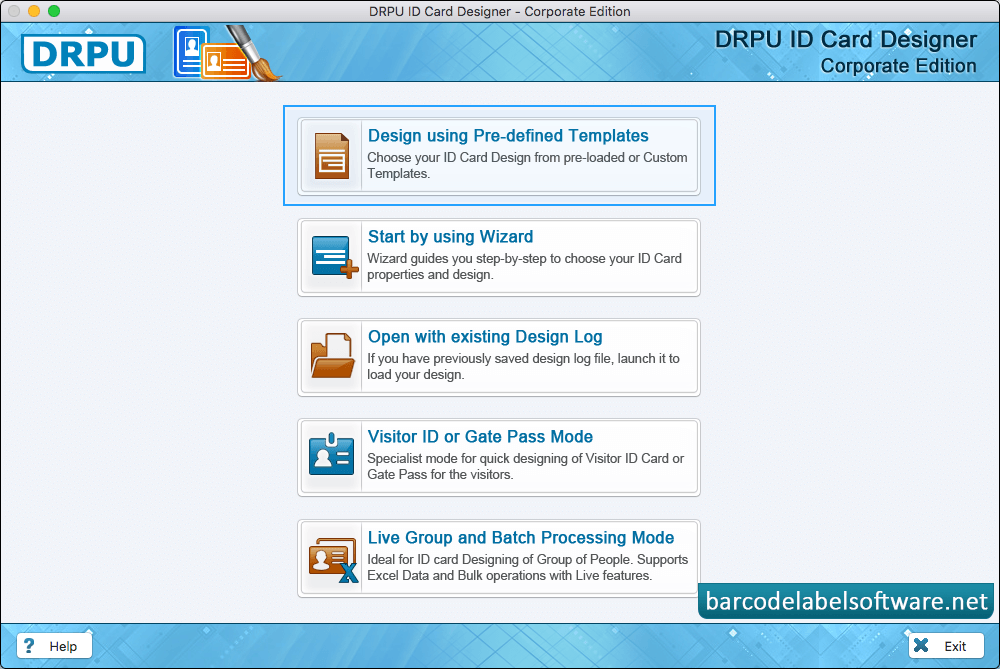
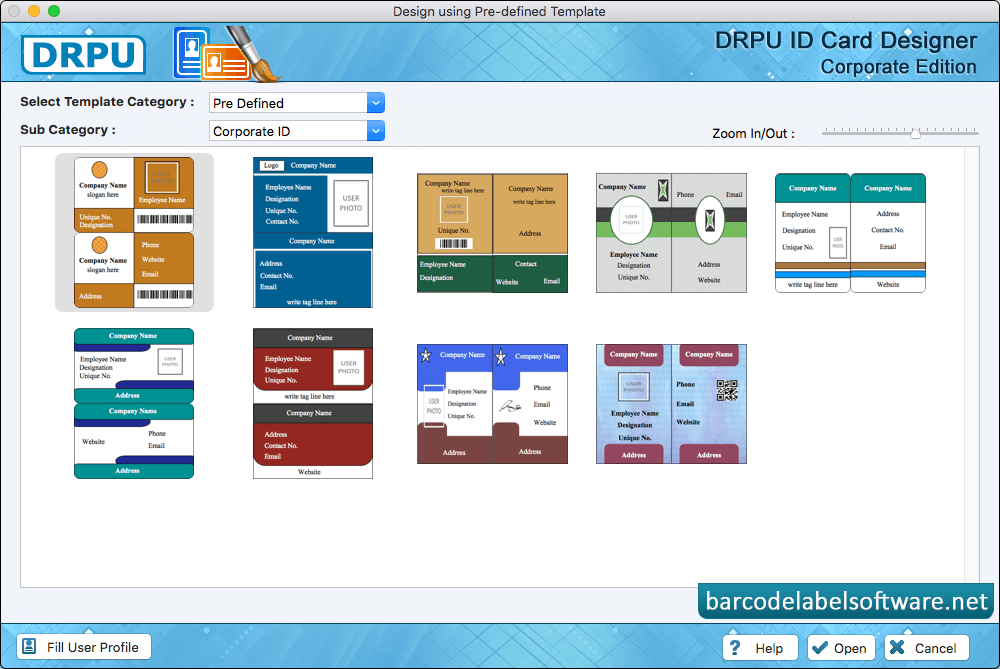
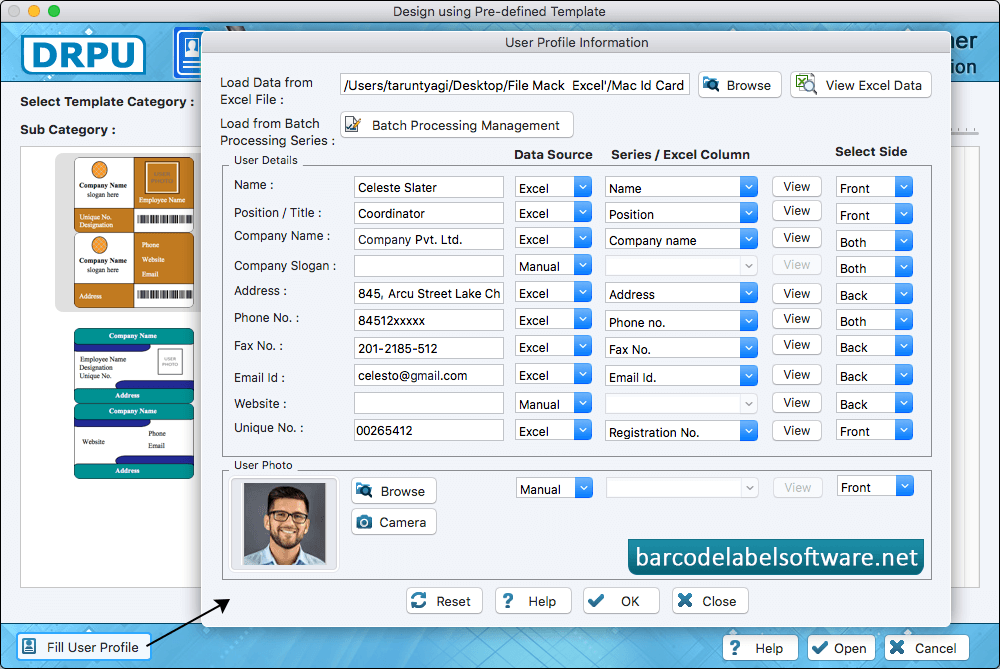
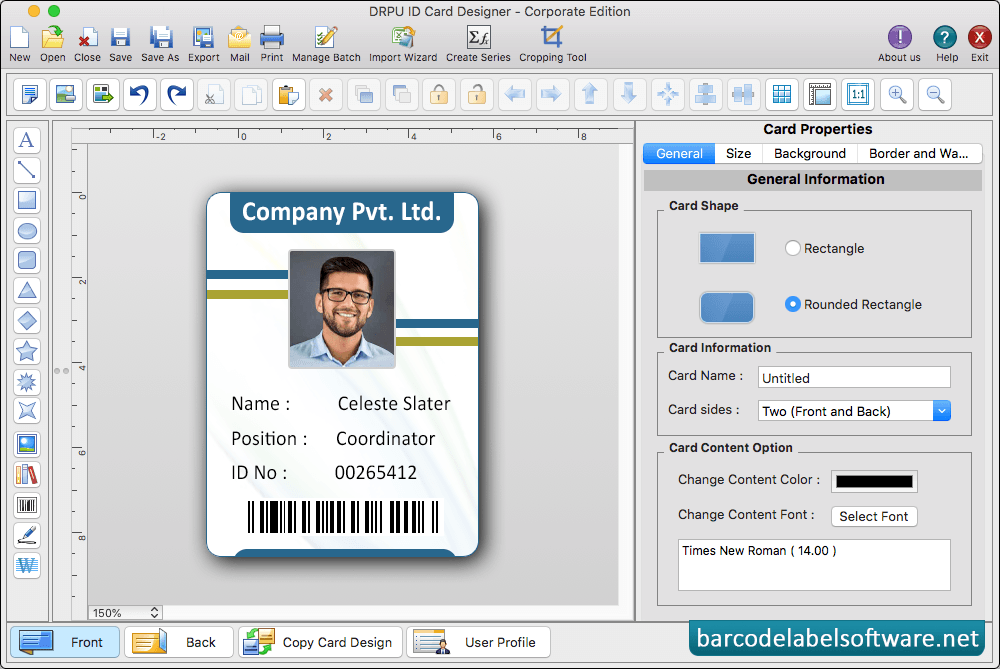
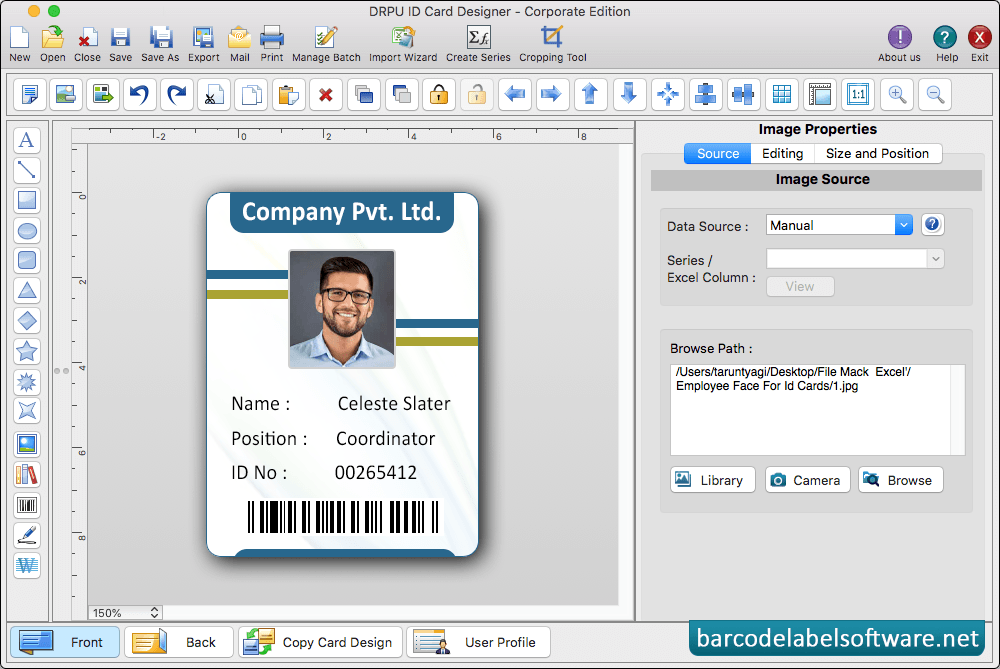
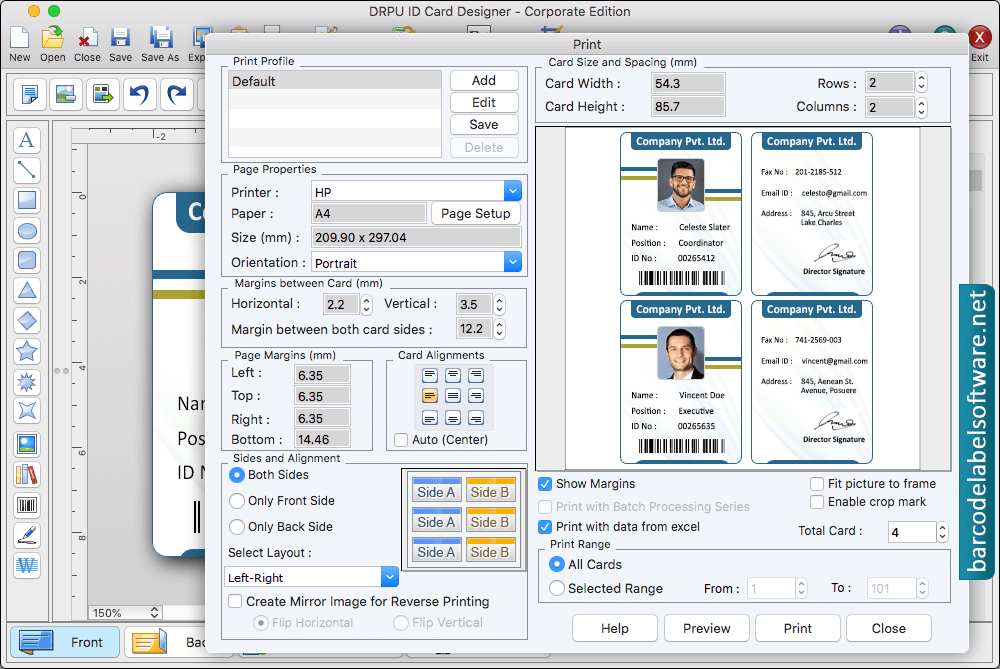
Choose any card designing option among Start with Templates, Create Card By Using Wizard and Create Card with Blank Format.In 'Start From Templates' wizard, select template category and samples as per choice.Enter user details on templates and you can also browse details from excel file. Now click on 'OK' button to continue.Choose Card Shape, set Card Name and adjust Border using card properties.Add visitor's details on ID card. To add photo of visitor on ID card, Go to Camera option and capture photo of visitor to add on your IDTo print designed ID card, set all print settings and then click on 'Print' button.