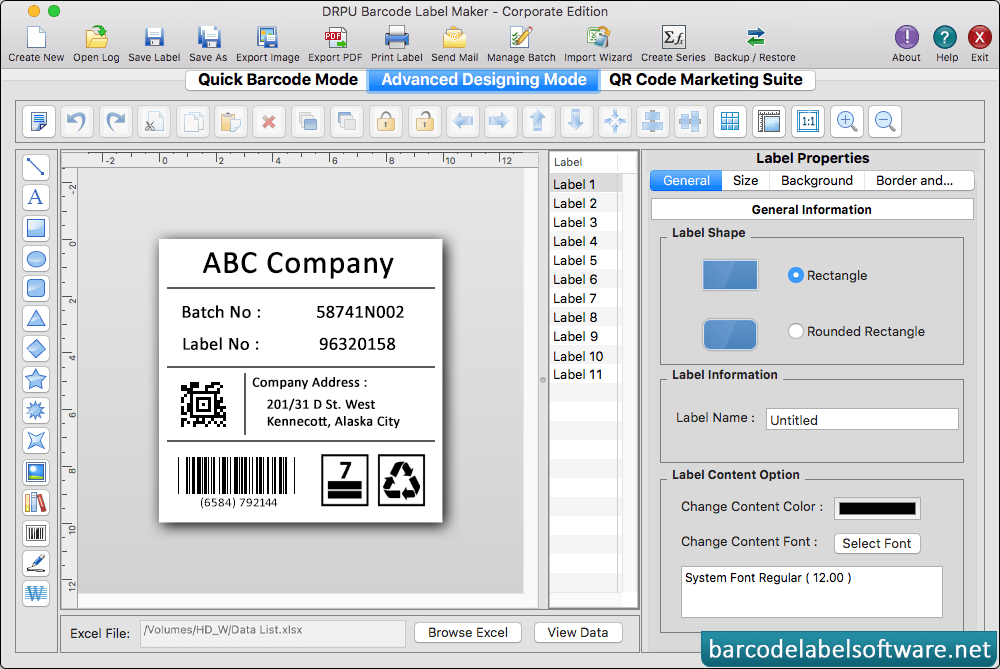
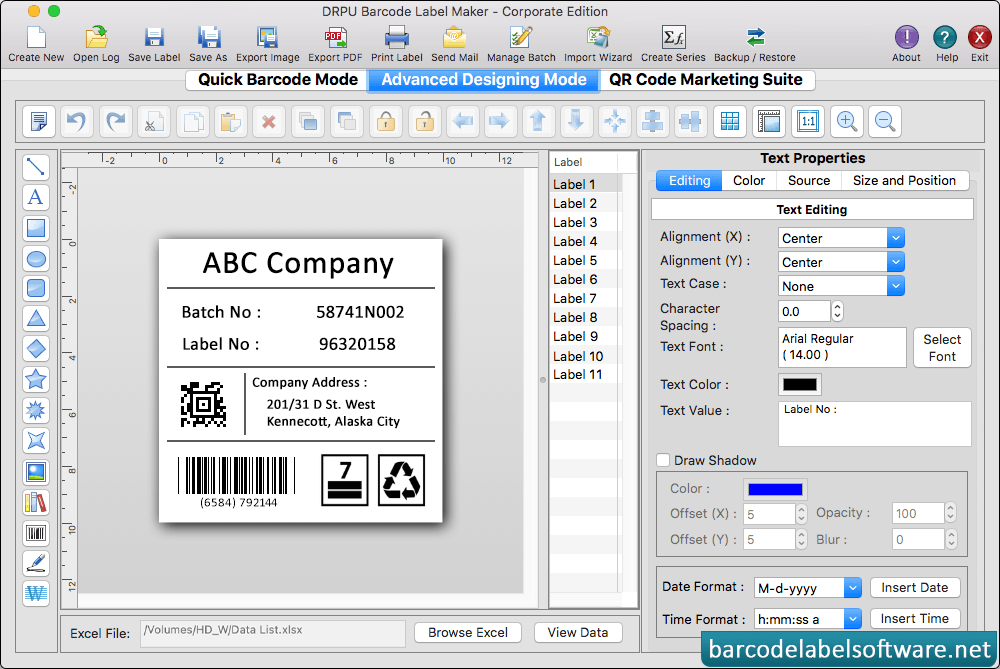
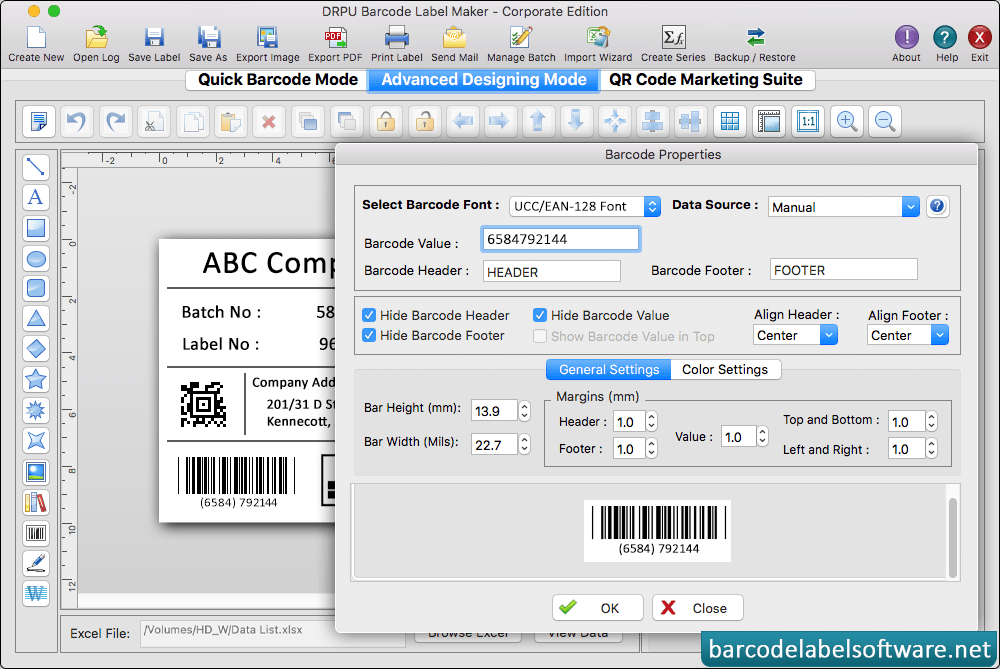
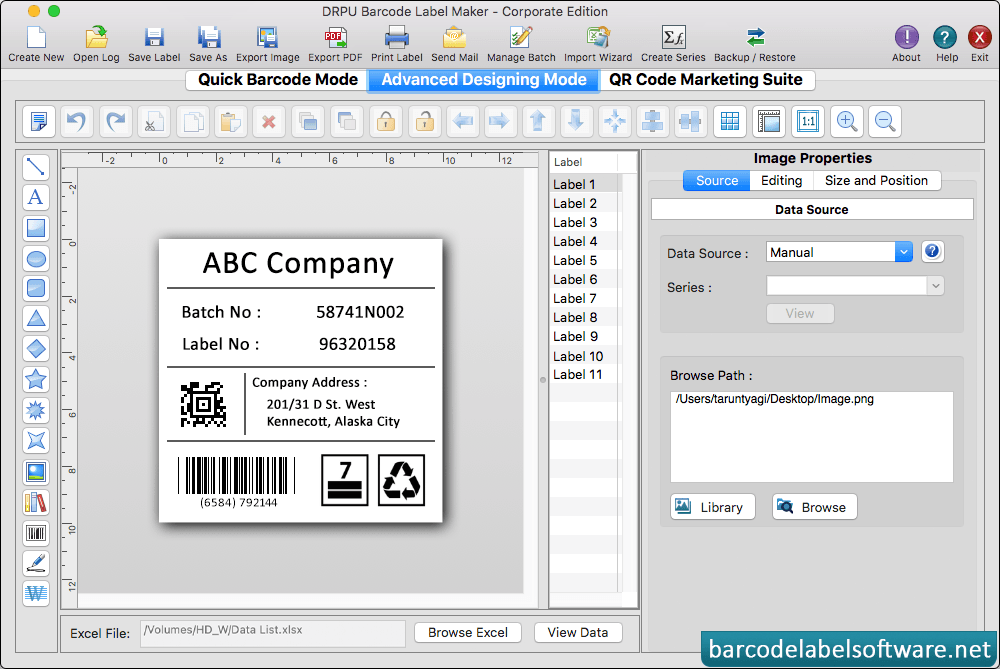
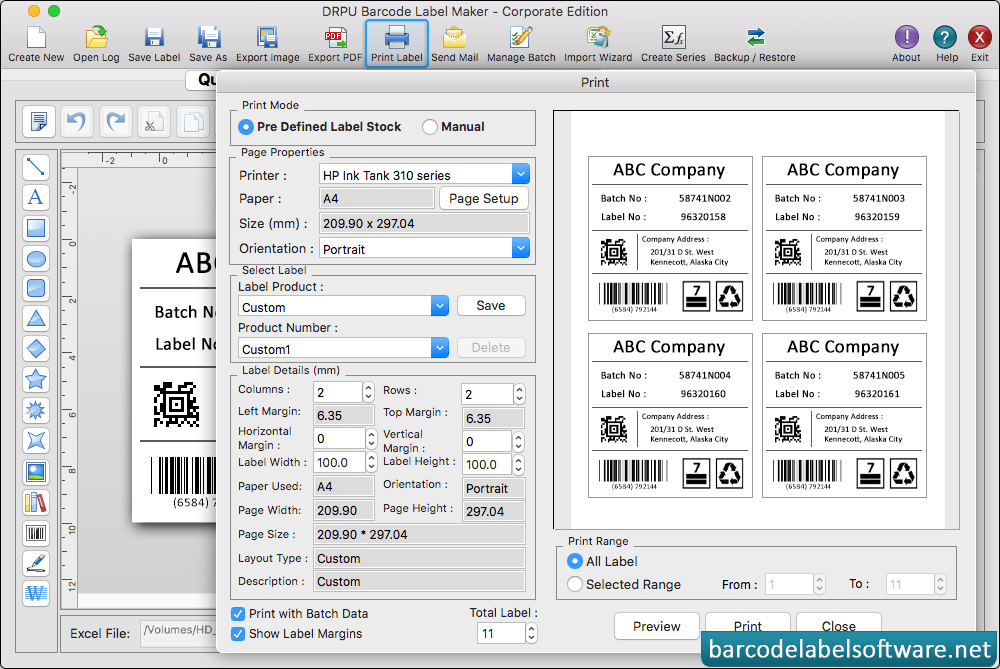
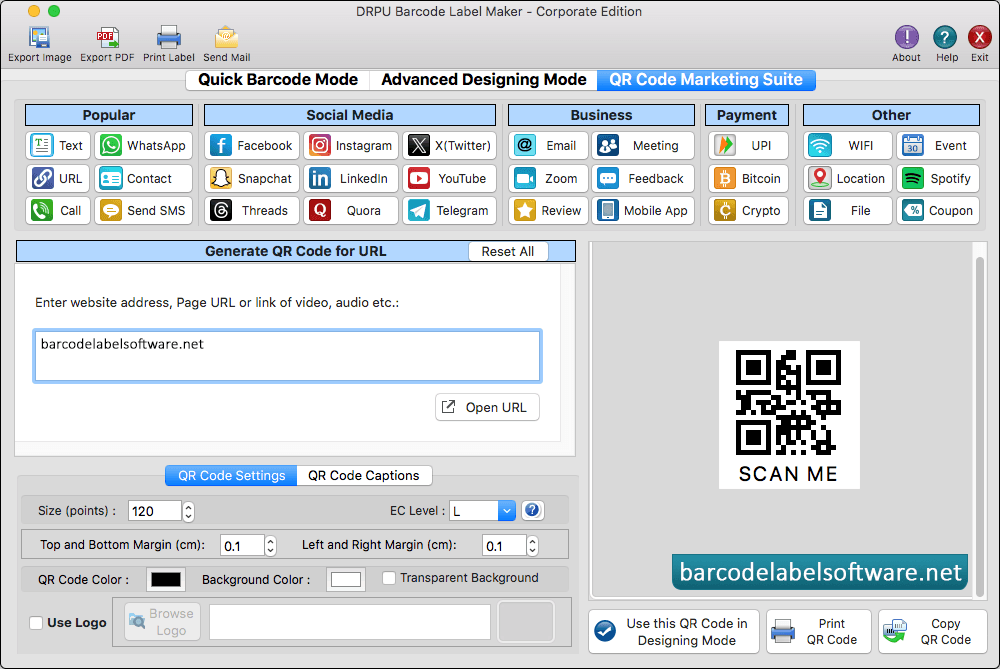
Design barcode label of your choice using various drawing tools such as line, text, rectangle, rounded rectangle, ellipse, barcode, signature, images etc. To add text on barcode label, click on Text option and fill various text properties to adjust text on label as per your requirement.You can set other barcode properties using General Settings, Font Settings, Color Settings and Image Settings tabs.Using Image properties browse path file and add picture on your label. Fill various print properties and click on 'Print' button to print created barcode labels. Click on 'Preview' option to see the print preview of barcode labels. Enter Website Address, page url, link, audio, video and others option.