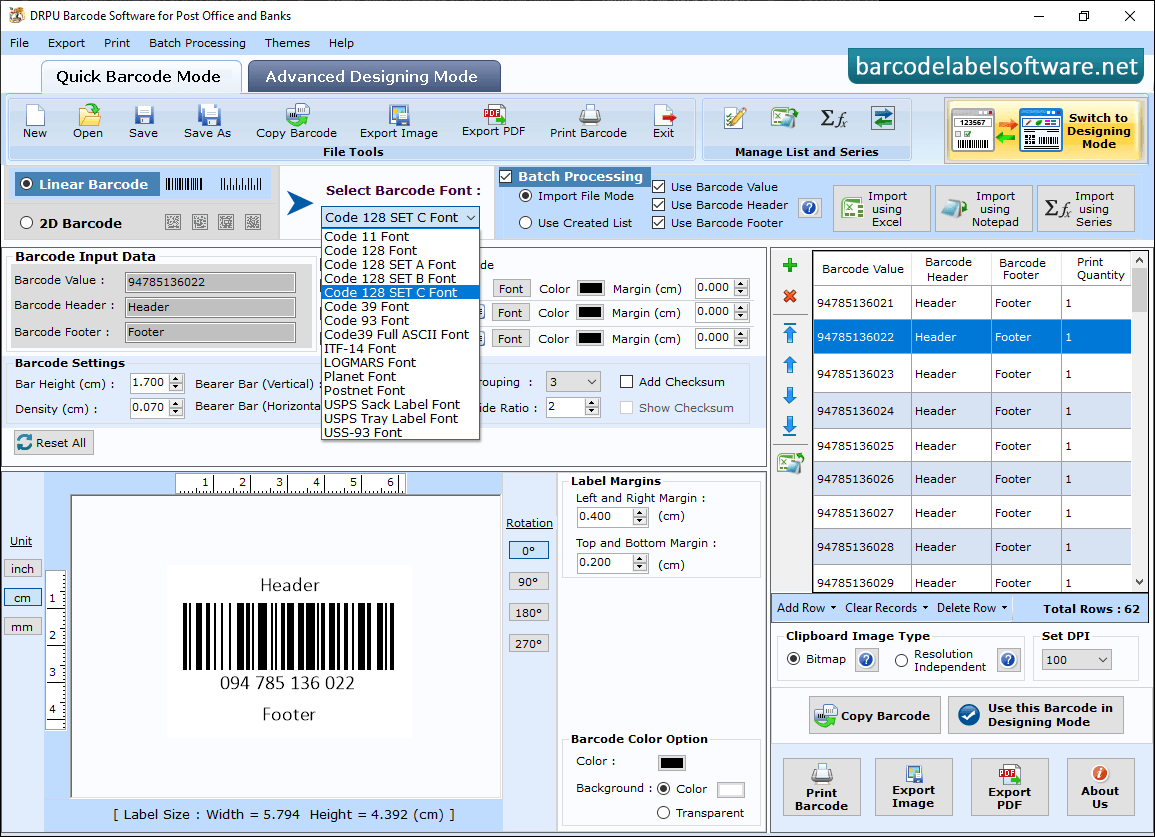
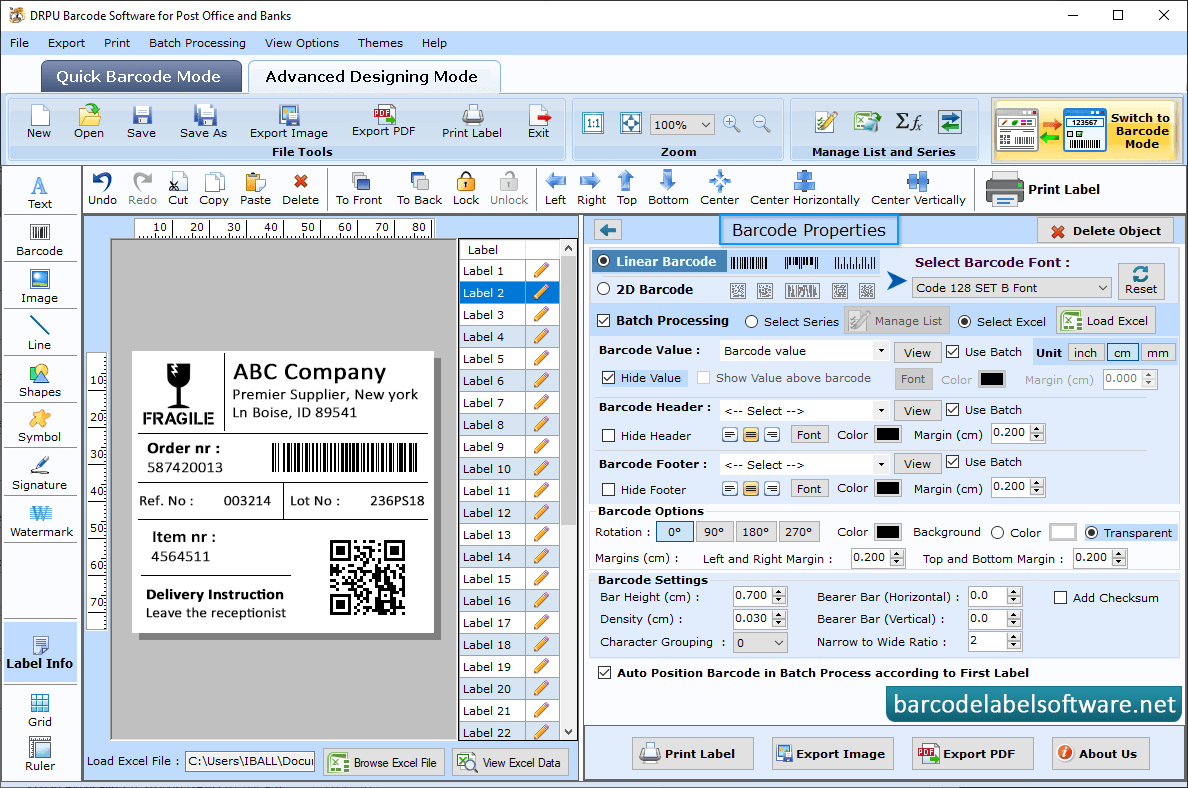
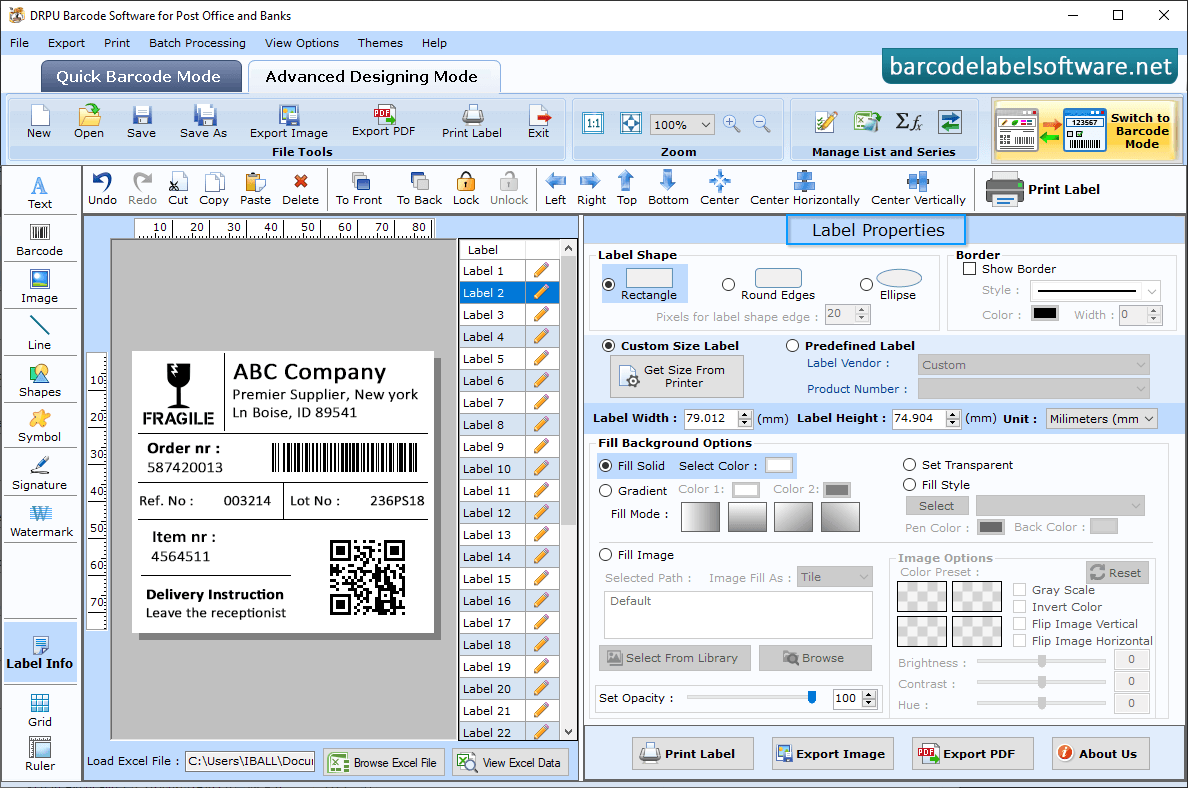
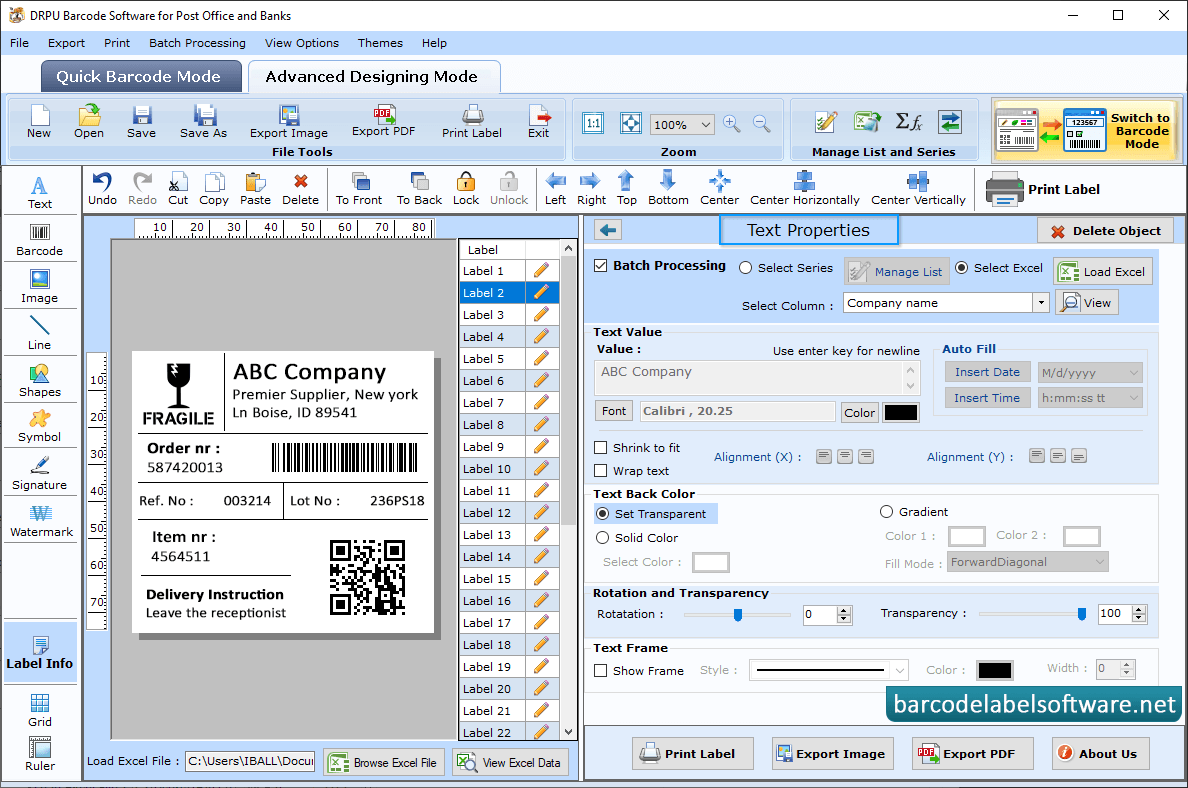
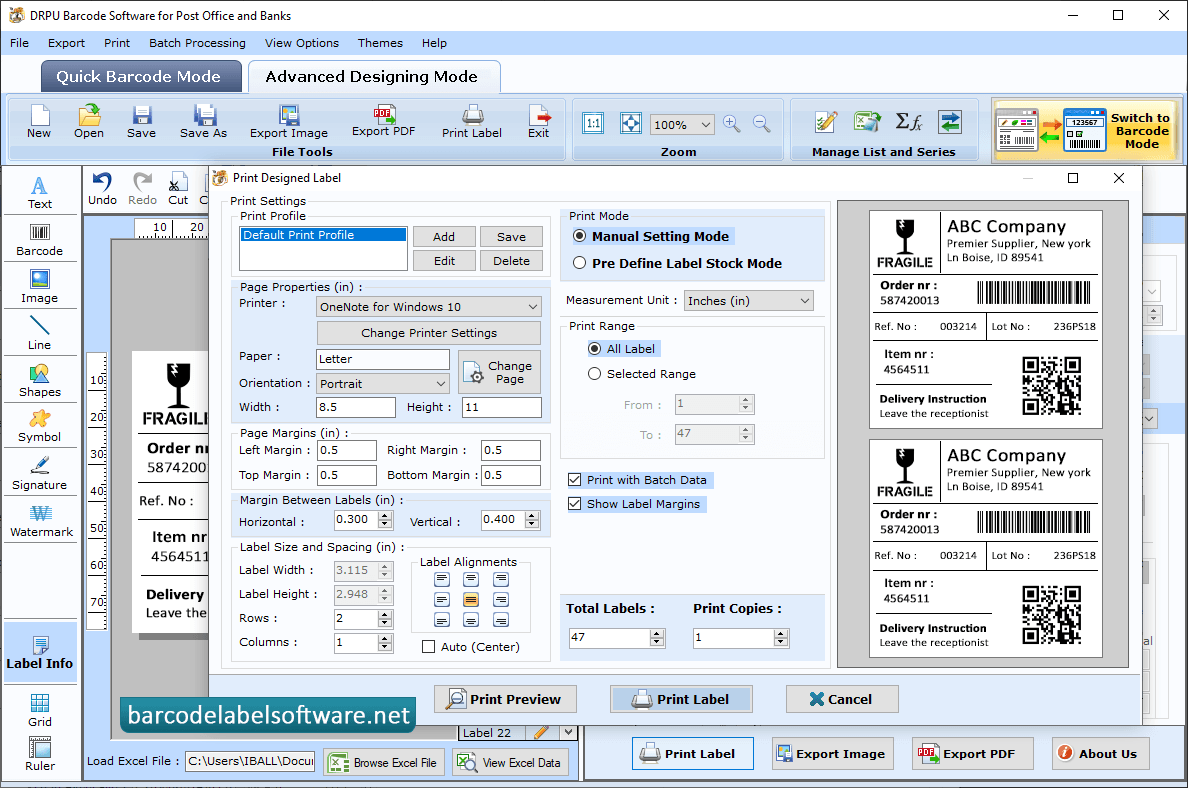
You can change Barcode Header Font, Footer Font and Value Font using Font Settings tab. Double click on barcode which is on the Label and change Barcode Properties as per your requirements using Value, Size, Font and Color tabs. Go to Barcode label Properties as per your requirements like label shape, size and fill background color. User Can change Barcode text Properties as per your requirements using size and value. Choose print mode either Pre Define Label Stock or Manual, Fill all printing requirements as per your need and click on print button to print your barcode labels.