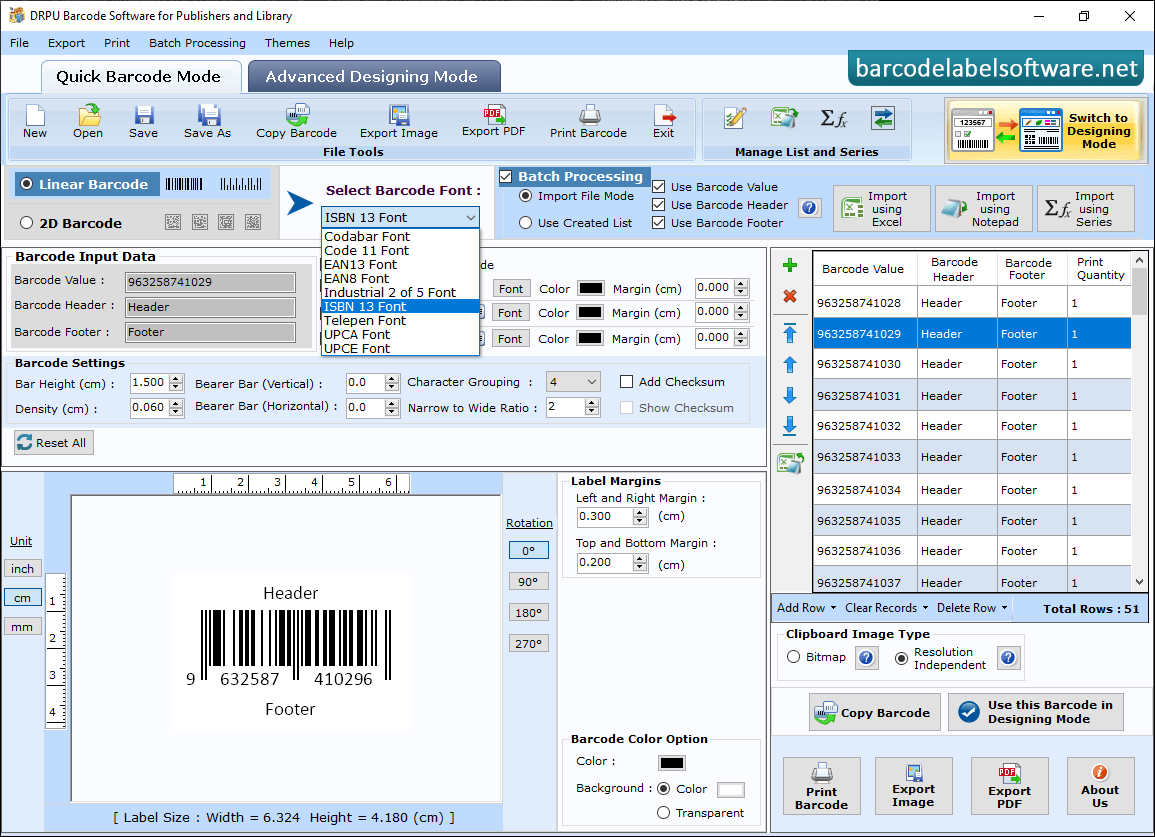
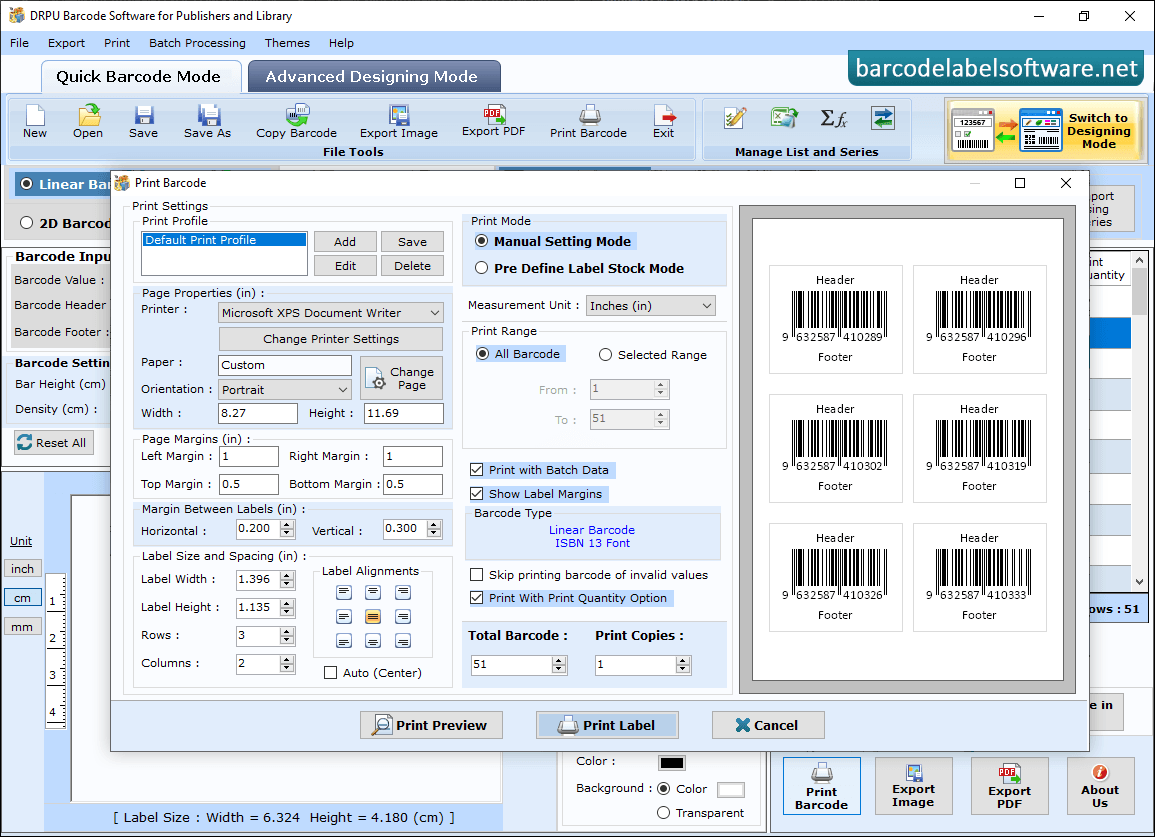
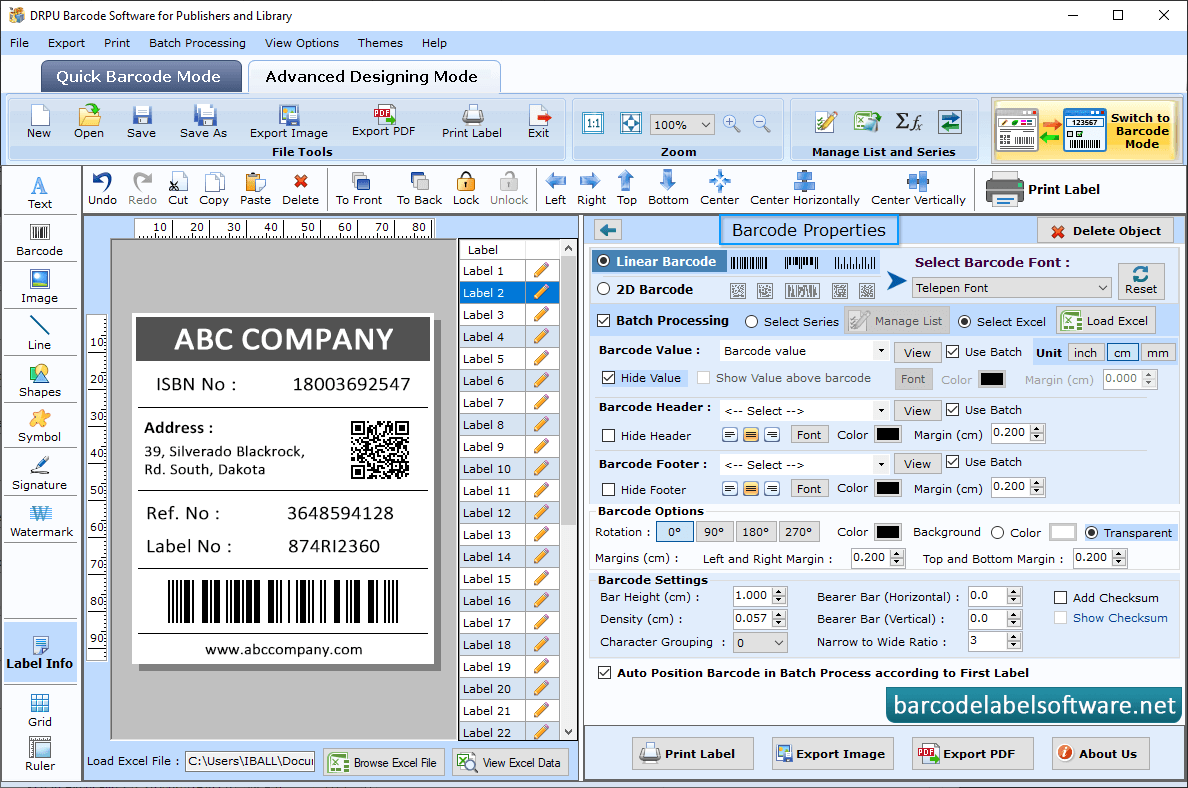
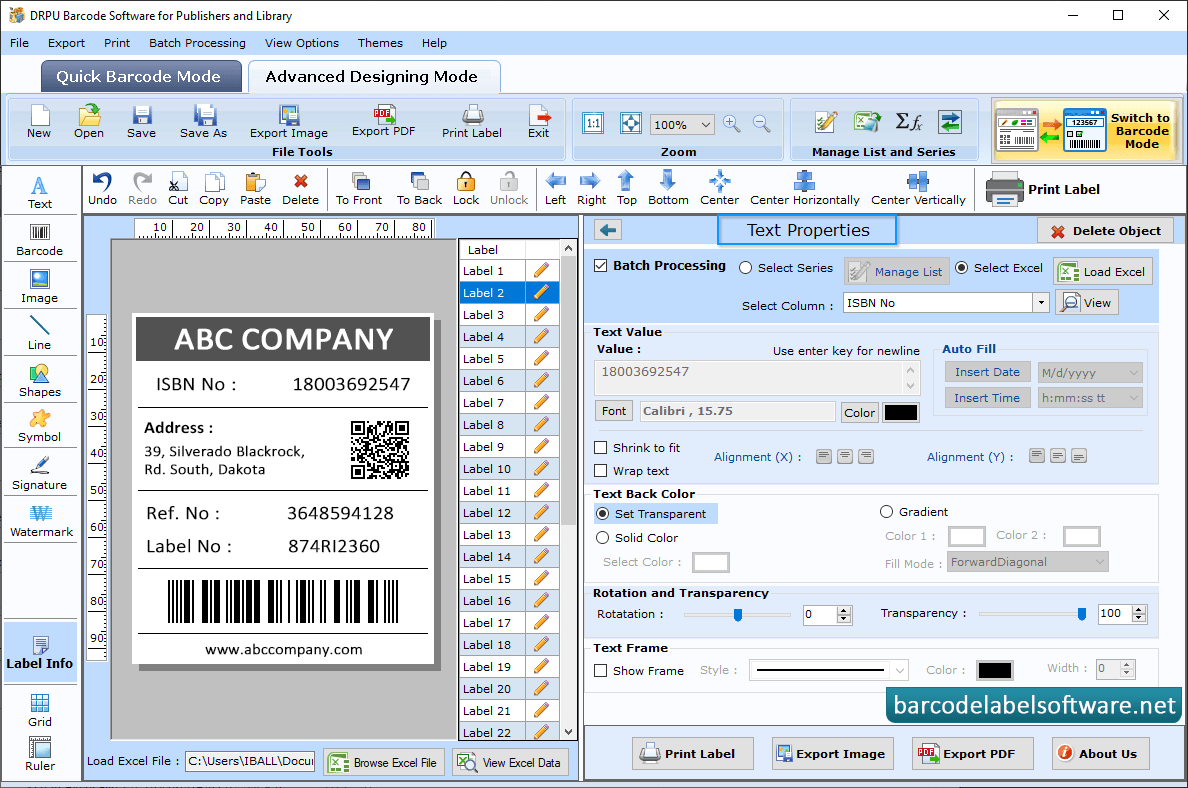
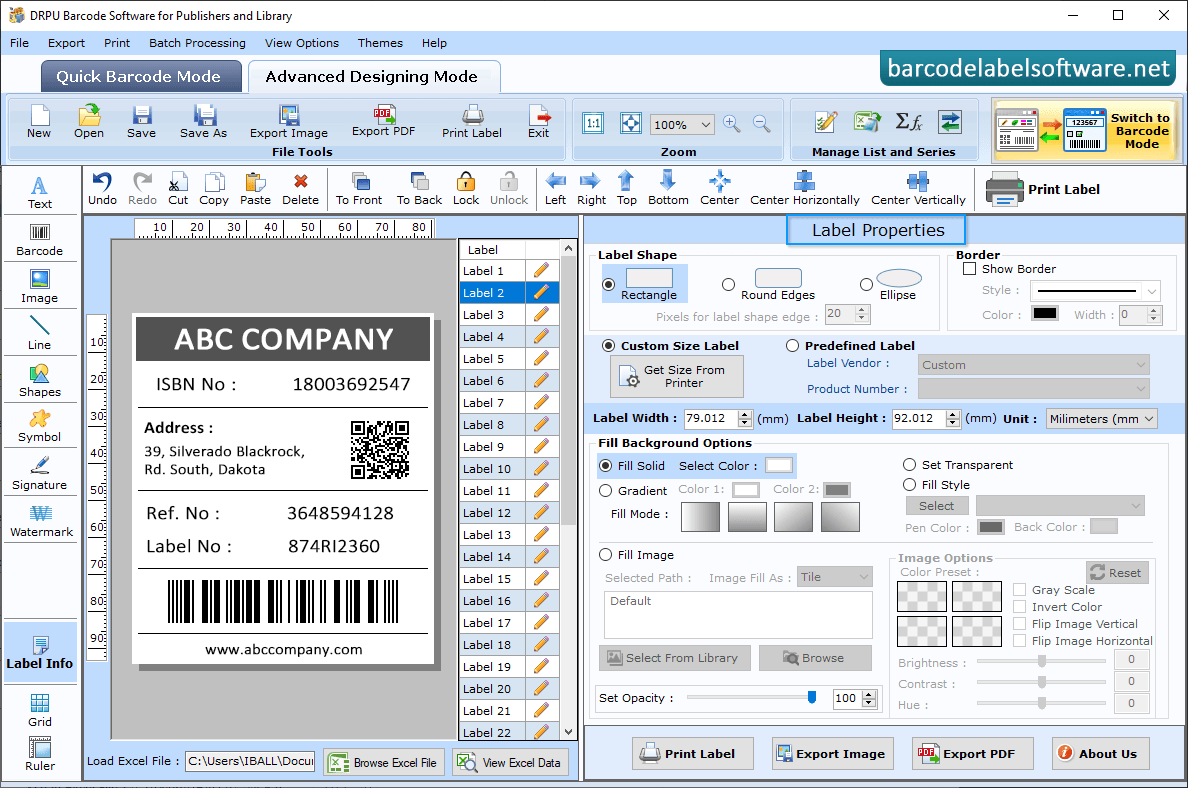
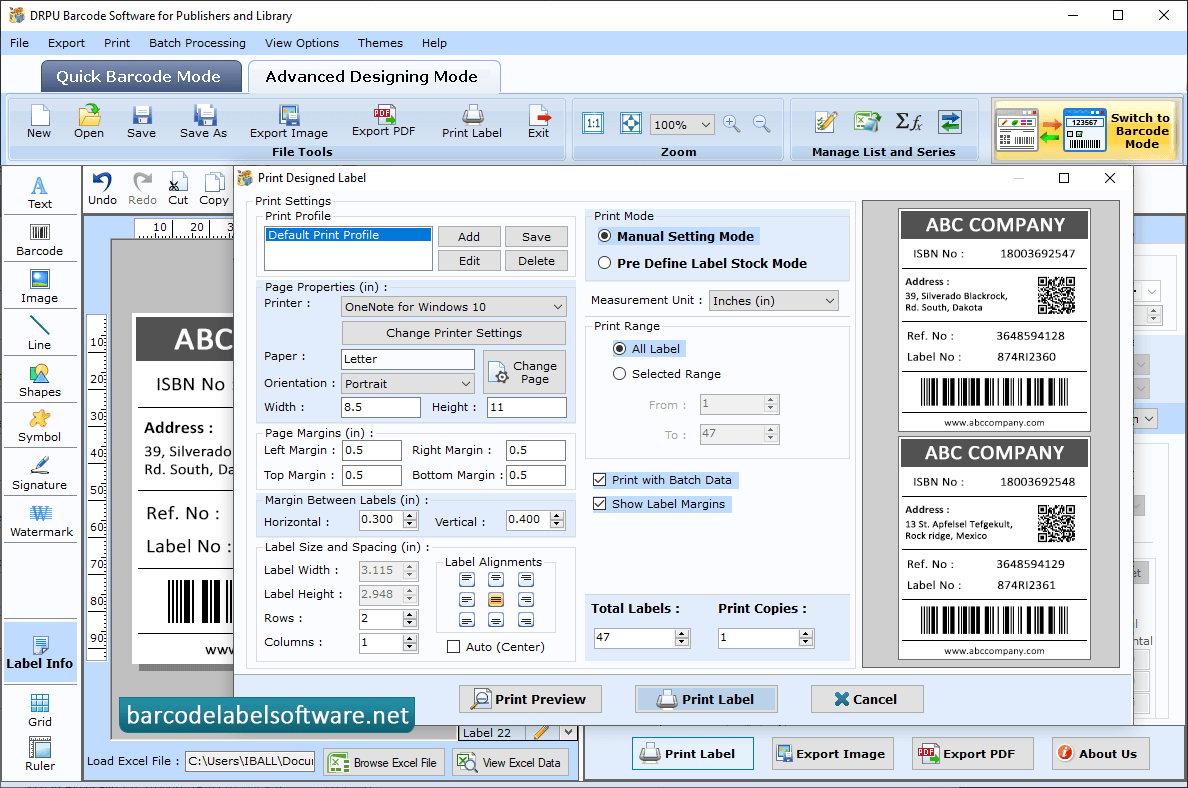
Click Quick Barcode Mode, select Linear Barcode and Barcode Font then enter the Barcode Value, Barcode Header and Barcode Footer. Click the "Preview" button to view the barcode label print preview. Use the Print button to print barcode labels that you've created. Double click on Barcode which is on label and change Barcode Properties using Value, Size, Font and Color tabs. You can change text barcode properties like Batch Processing, Text Value, Birghtness and Rotate,Transprancy.User can using the label properties change label shape like rectangle, round and ellipse. Click on print Button in 'Barcode Designing View' and choose print mode either Pre Define Label Stock or Manual. Set page properties, margins between label and click on print button to print your barcode labels.