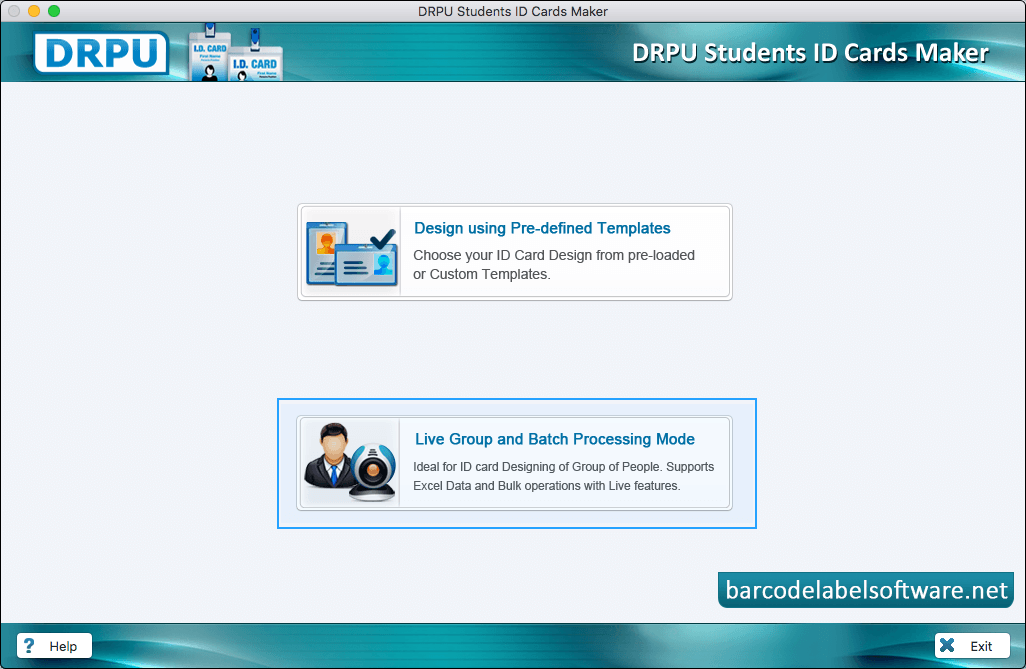
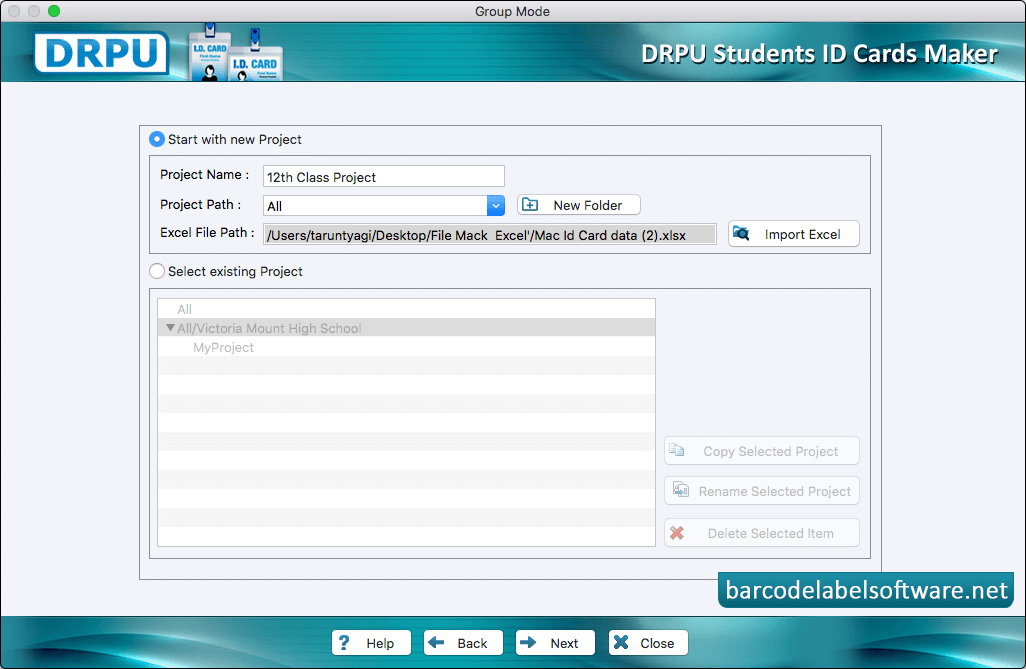
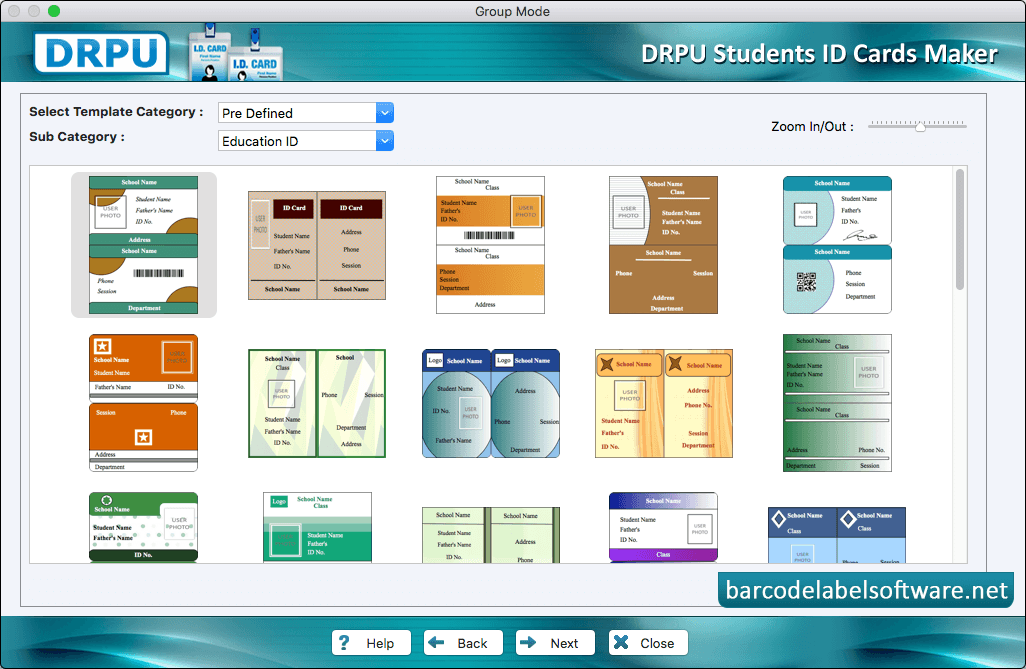
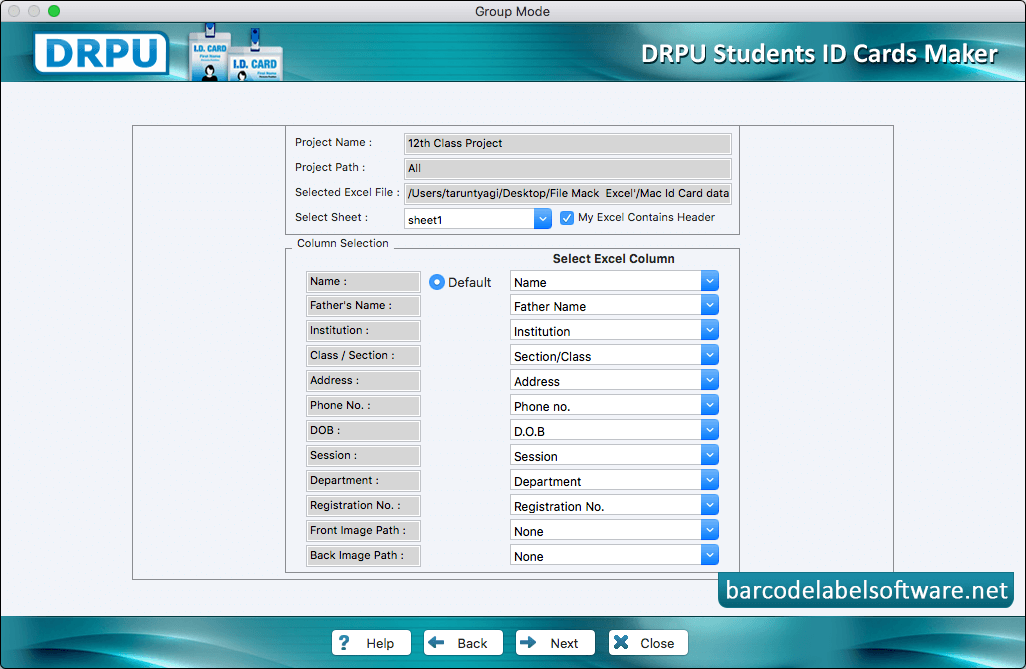
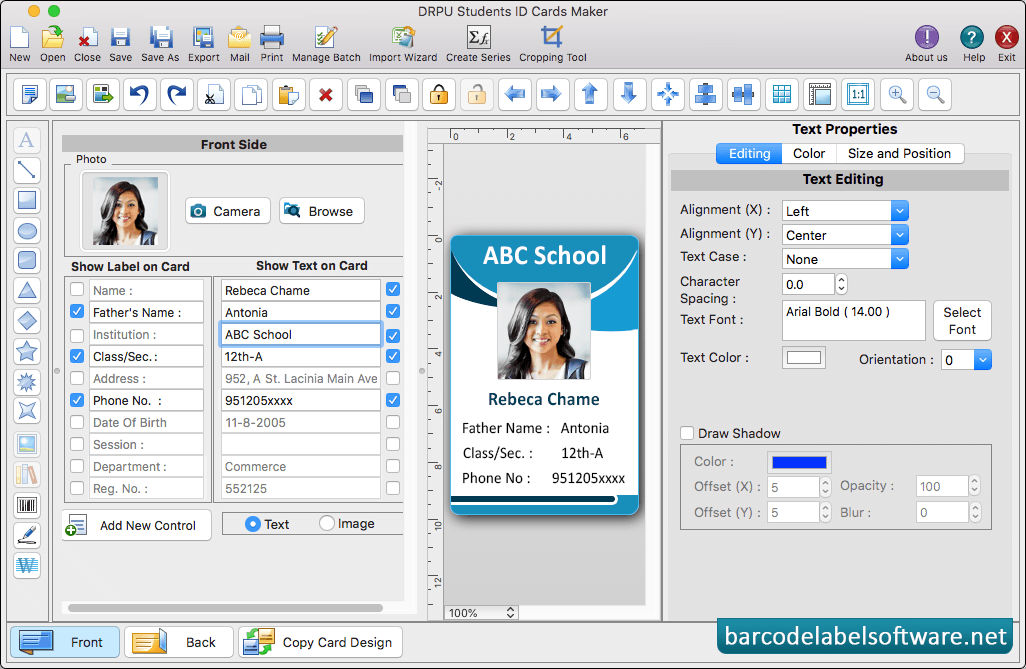
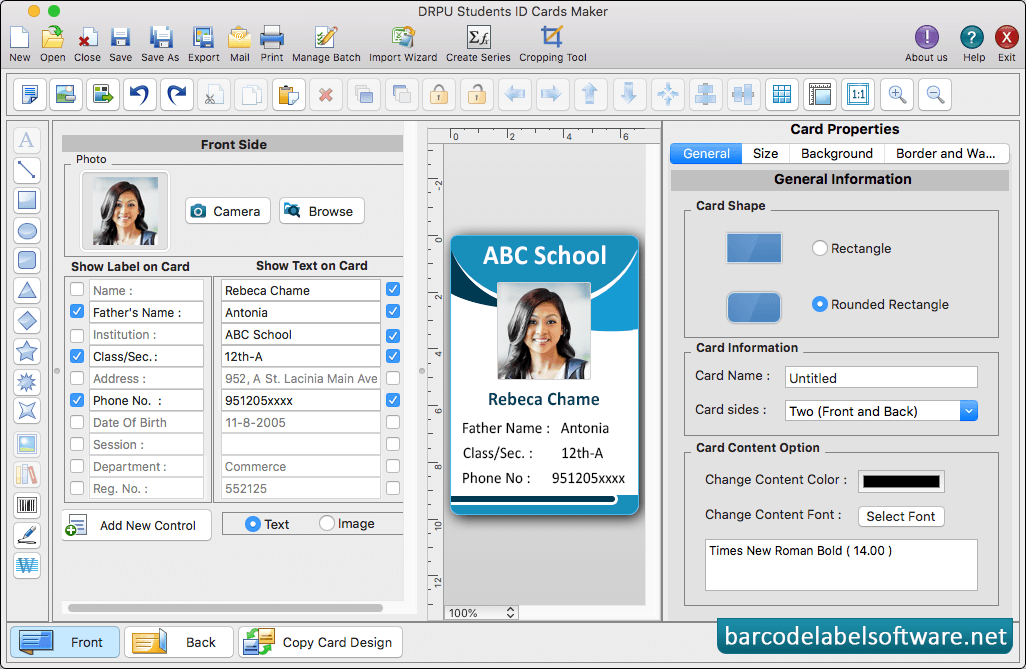
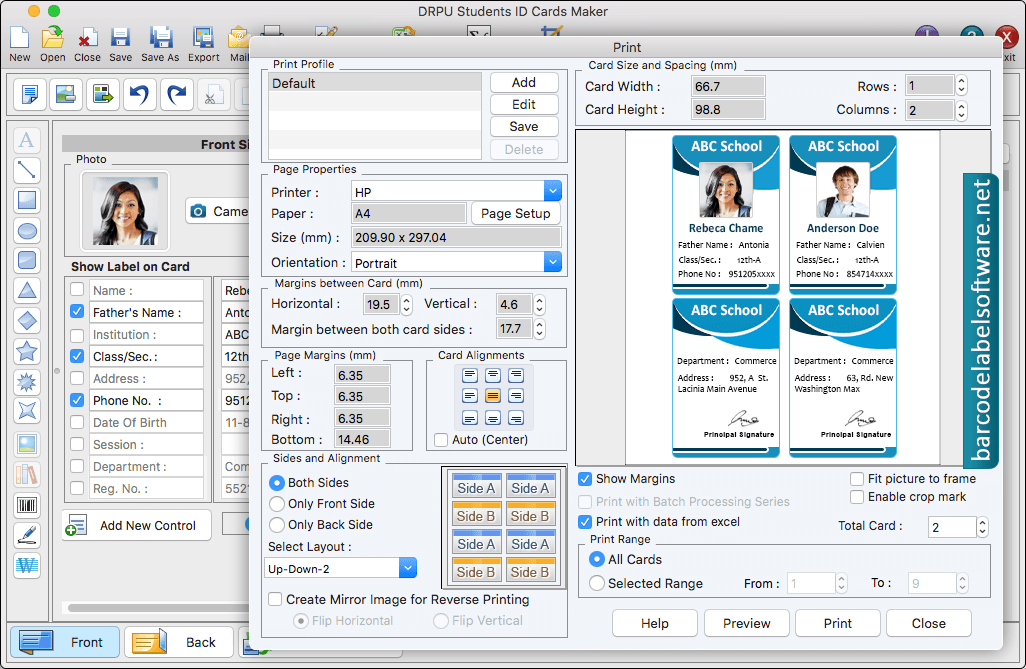
Select any mode for designing Student ID Card. Here we have selected 'Live Group and Batch Processing Mode' for demonstration purpose.User can start with new project and add all details.Select pre-defined template and proceed to 'Next' button.To add details on ID Card, Go to 'Save Detail' and select any particular entry which you want to add on your ID card.User can select text property aslo change text alignment, text color and text font.Using Card properties, You can make further changes in your card like card background, card size etc.To print your designed ID card, set all print settings and Click on 'Print button'. You can also see the preview of designed student ID card using 'Preview' option.