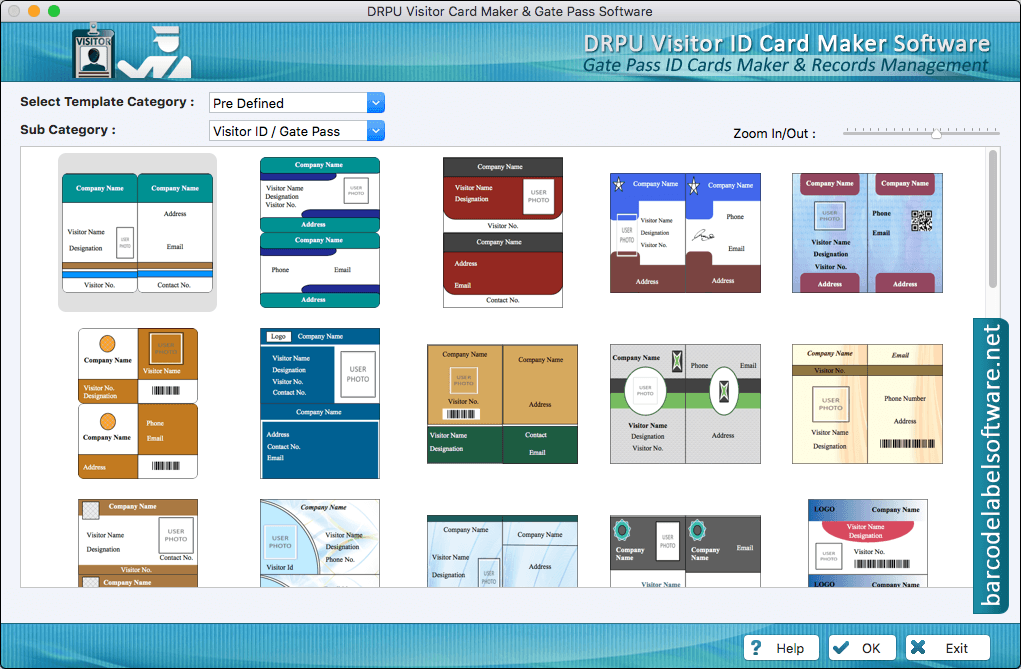
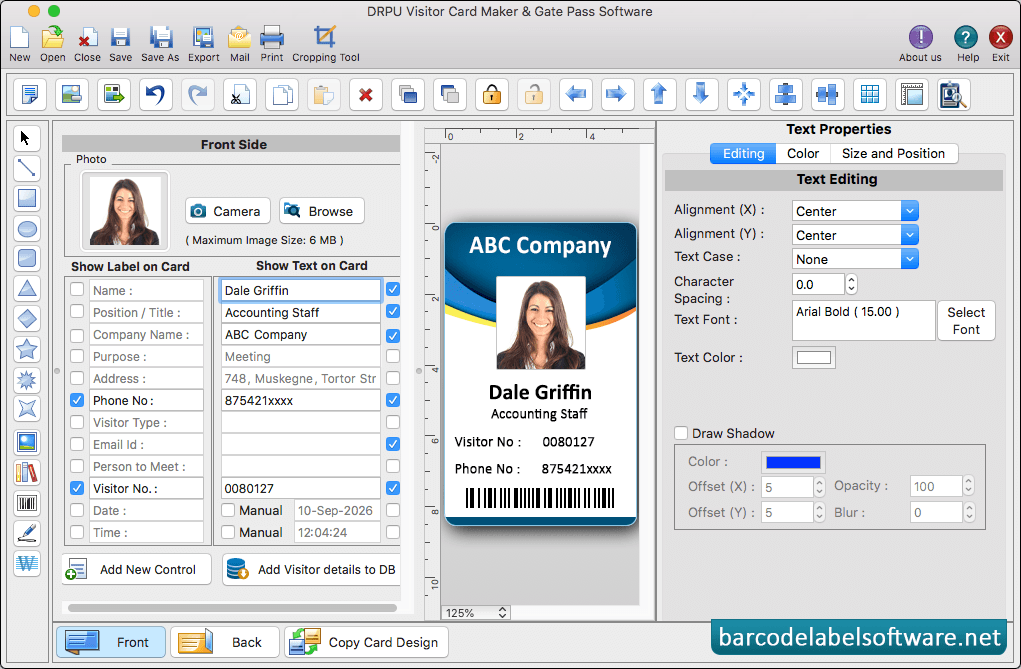
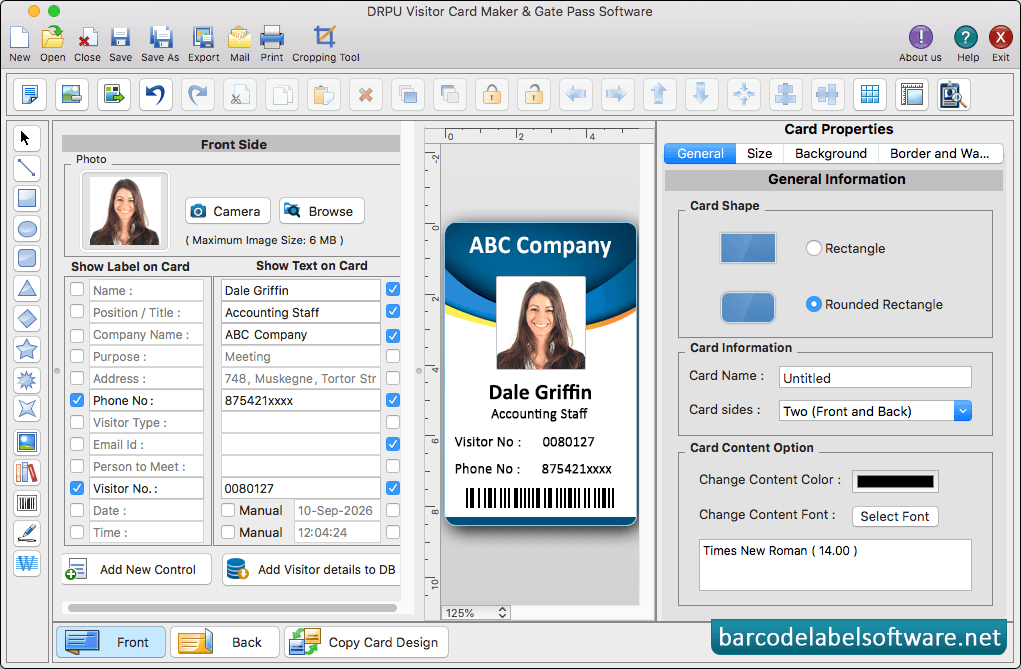
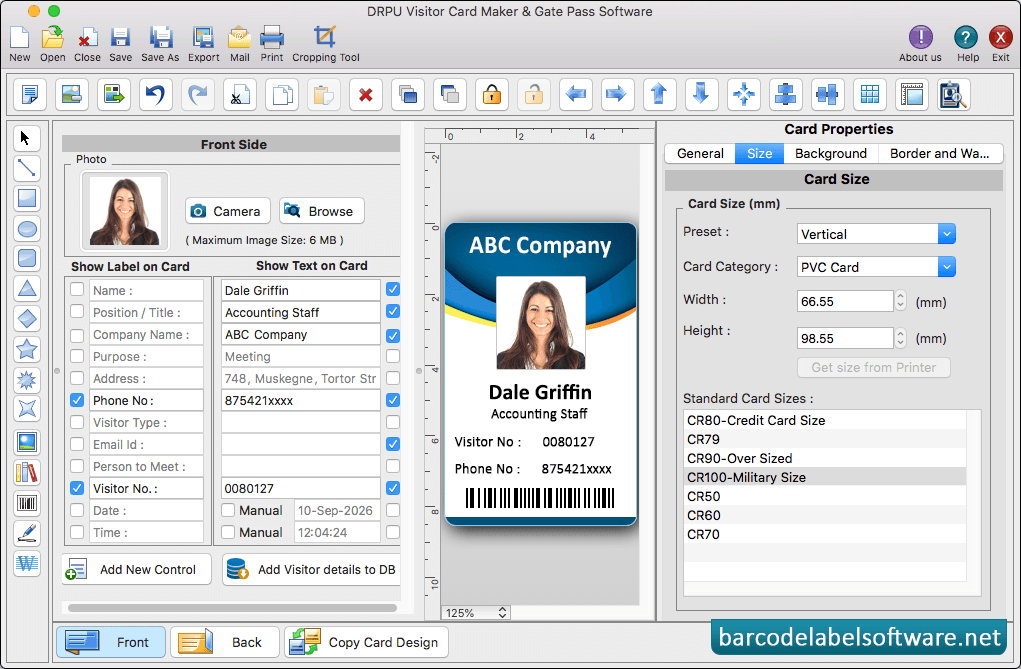
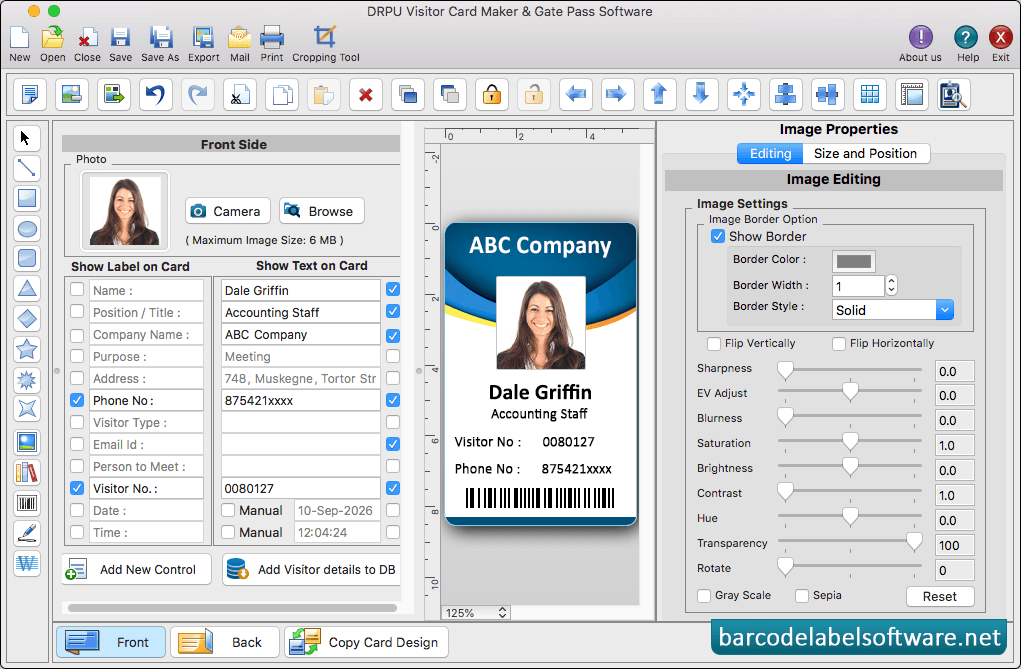
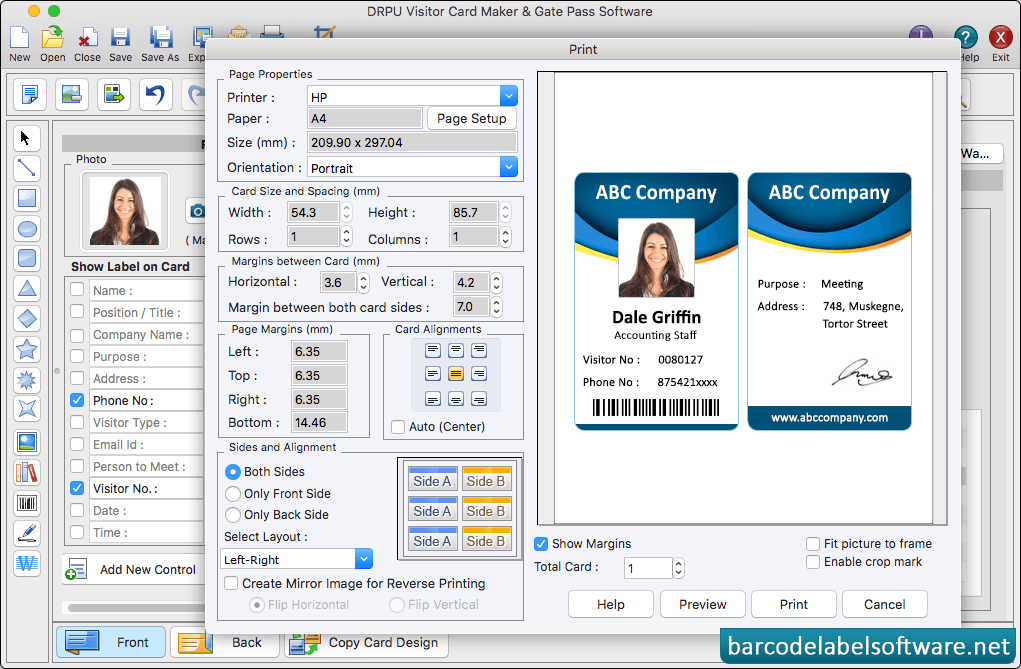
In 'Start From Templates' wizard, select template category and samples as per choice.Text Properties in Editing, Color, Size and Position set.Using Card properties, You can make further changes in your card like card shape, card information and card content option.Using Card properties, You can make further changes in your card like card background, card size etcAdd visitor's details on ID card. To add photo of visitor on ID card, Go to Camera option and capture photo of visitor to add on your IDTo print designed visitor ID card, set all print settings and click on 'Preview' button.