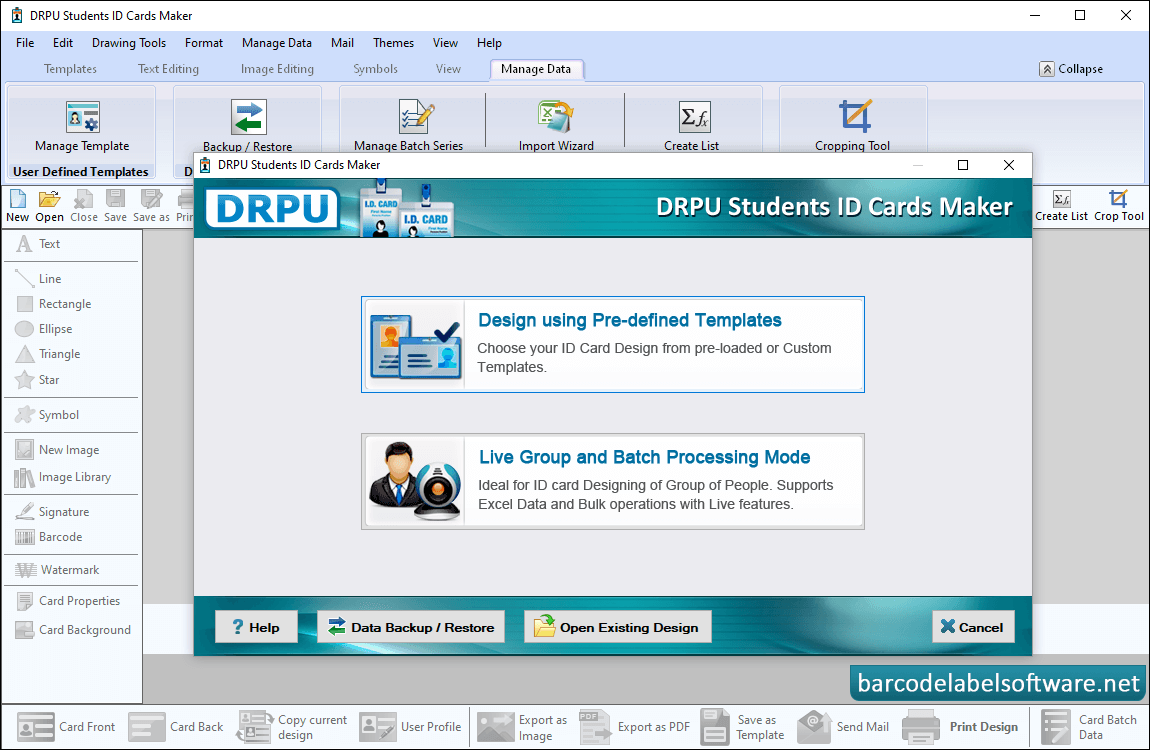
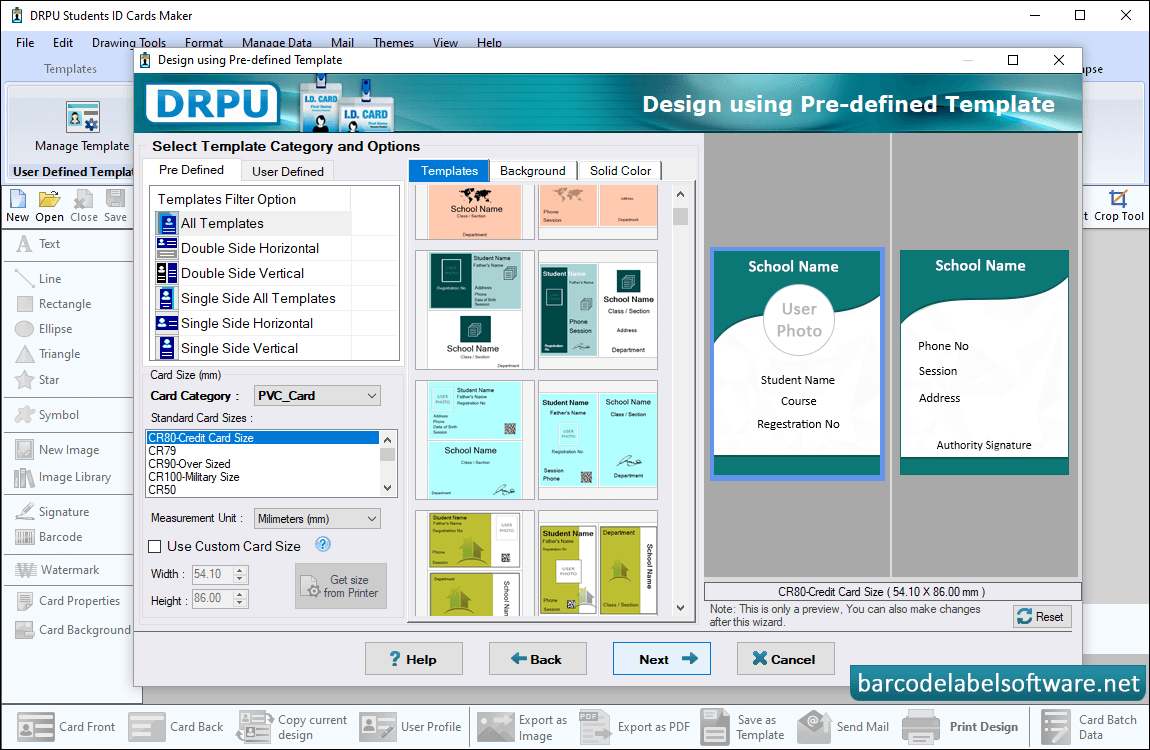
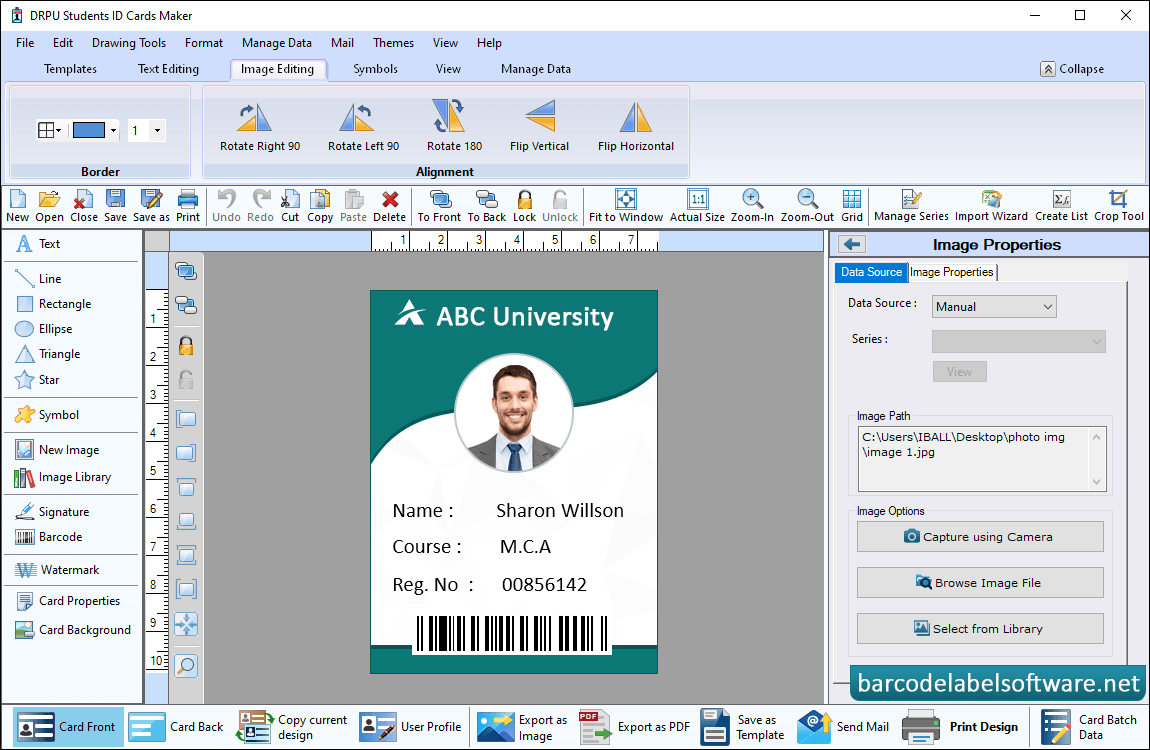
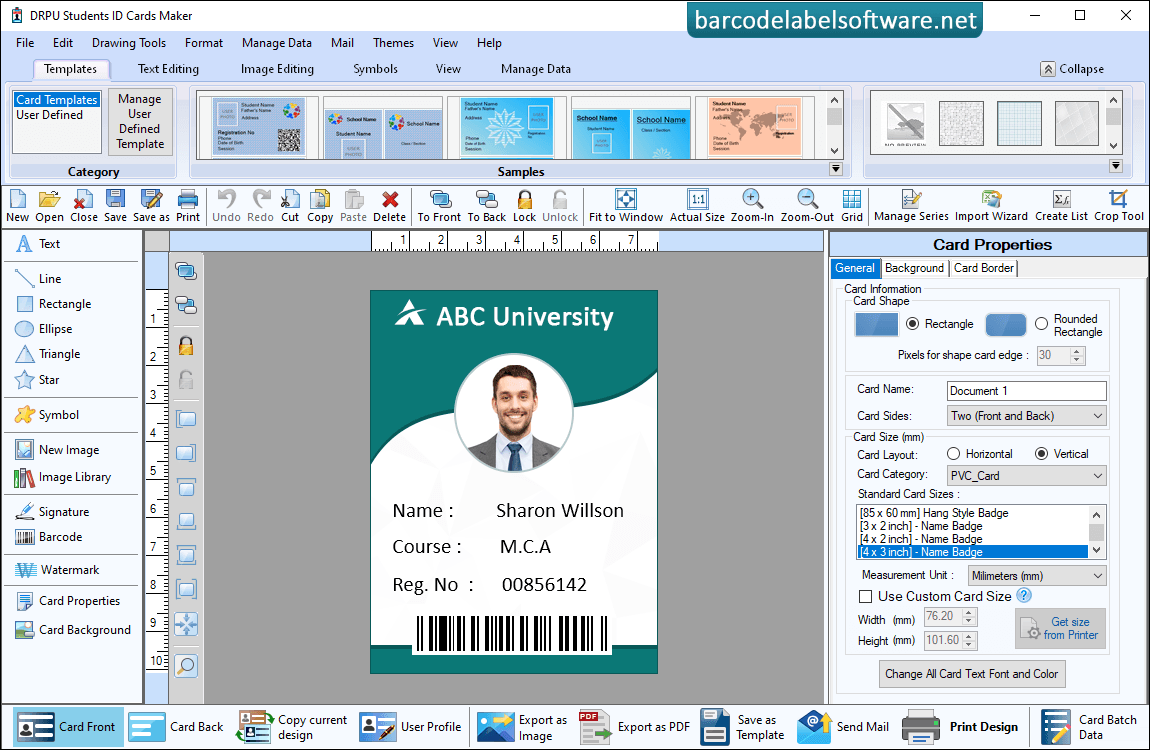
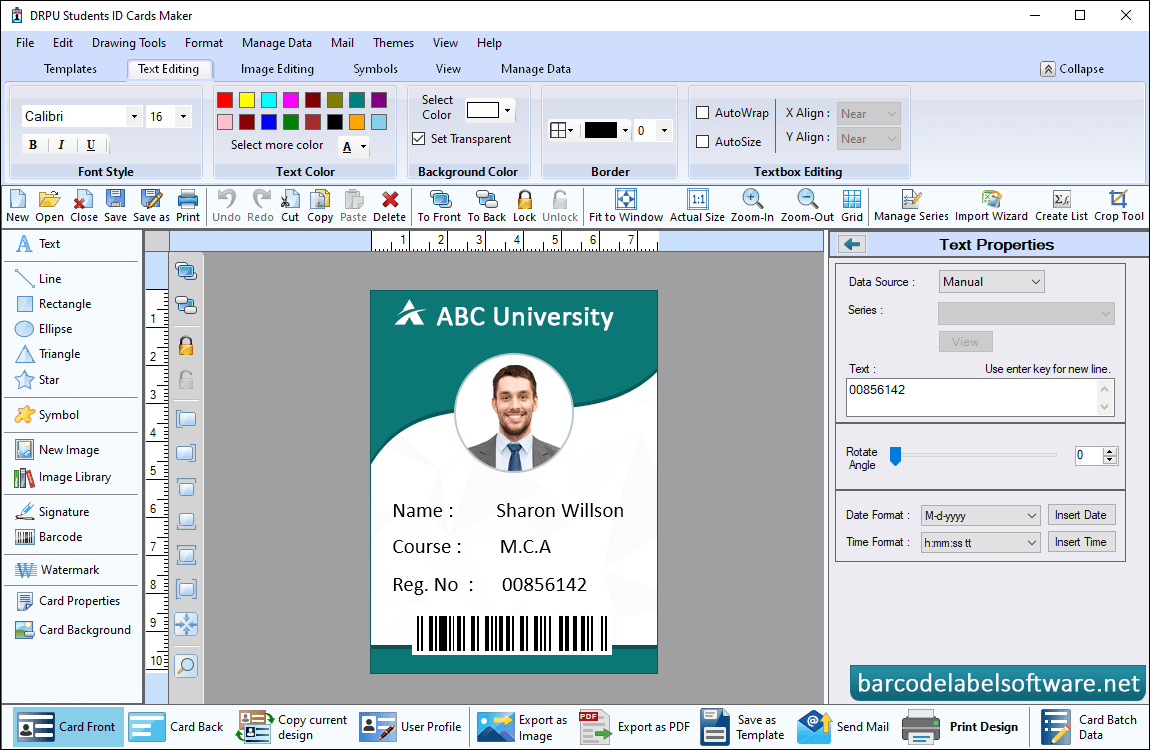
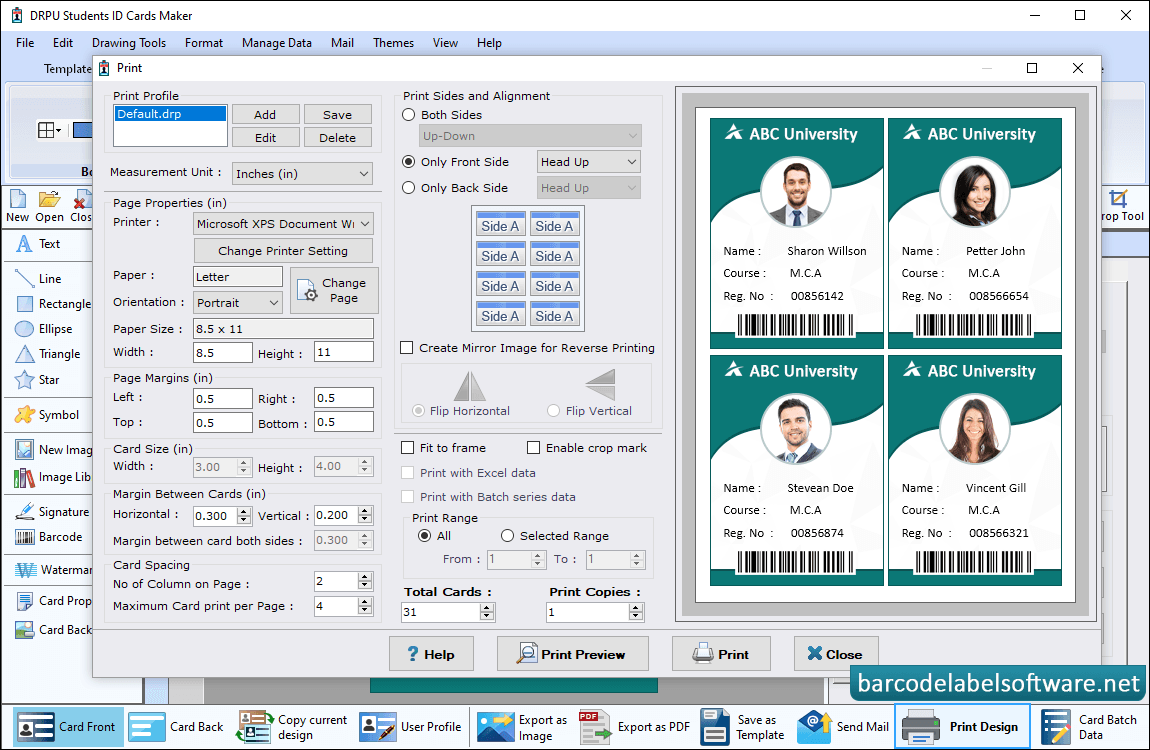
Software has two modules to create student ID cards, select any one module as we have selected Design using Pre-defined Templates.Choose any one ID Card Design sample from various pre-defined templates. Enter card size and click Next button,To add photo on ID cards you can capture image using Camera option or you can also browse path of image.Here, is your designed ID Card. If you want to do further changes in your ID card, then you can use Card Properties options.User can change your design id card settings using various Text properties such date and time formate, text alignments and also rotate angles etc.Adjust various print settings and click on Print button to print designed student identity cards,