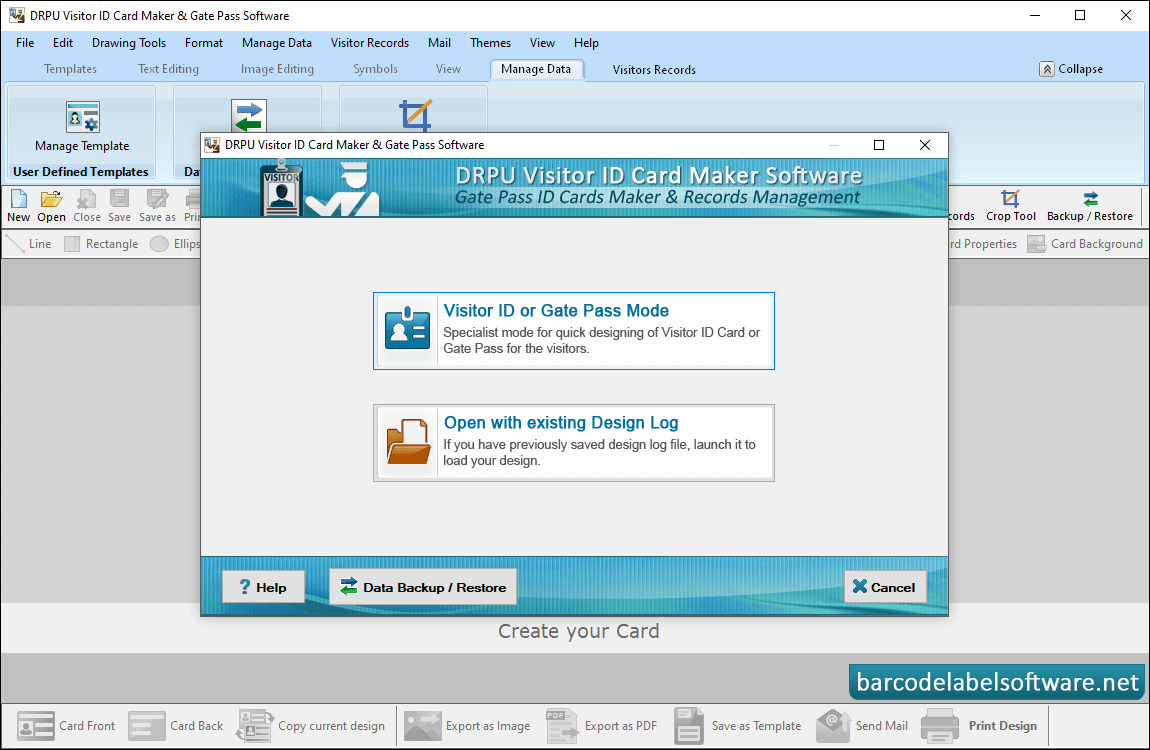
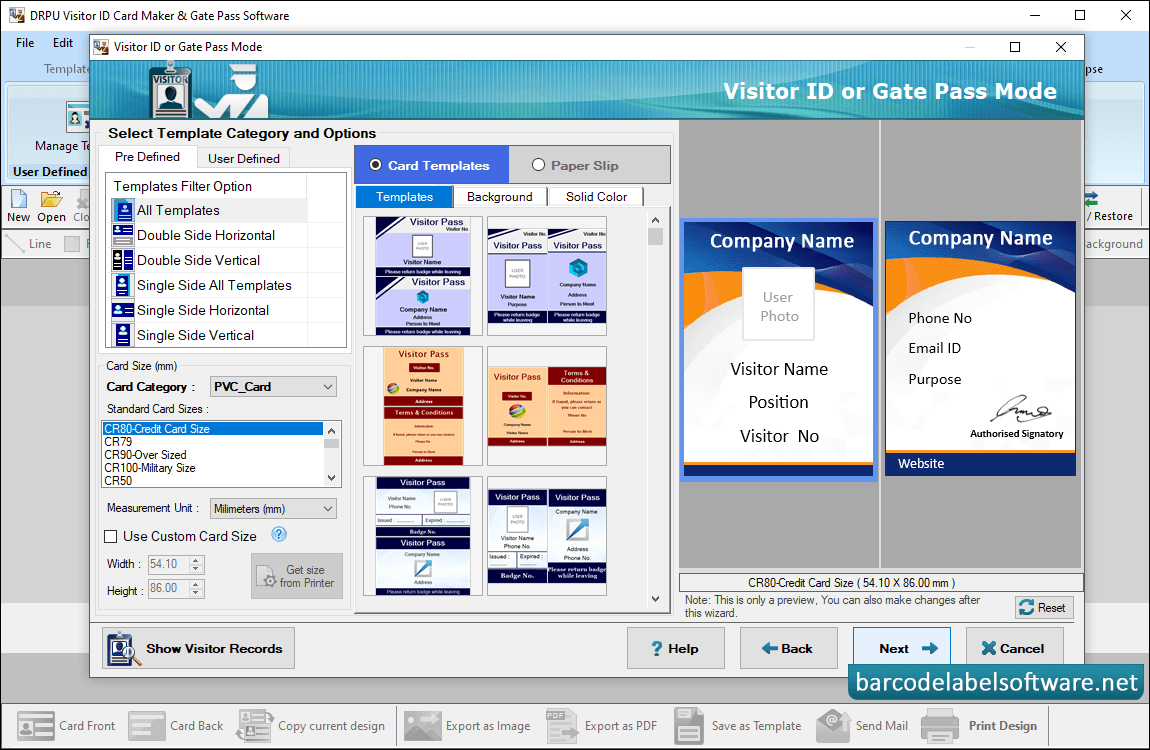
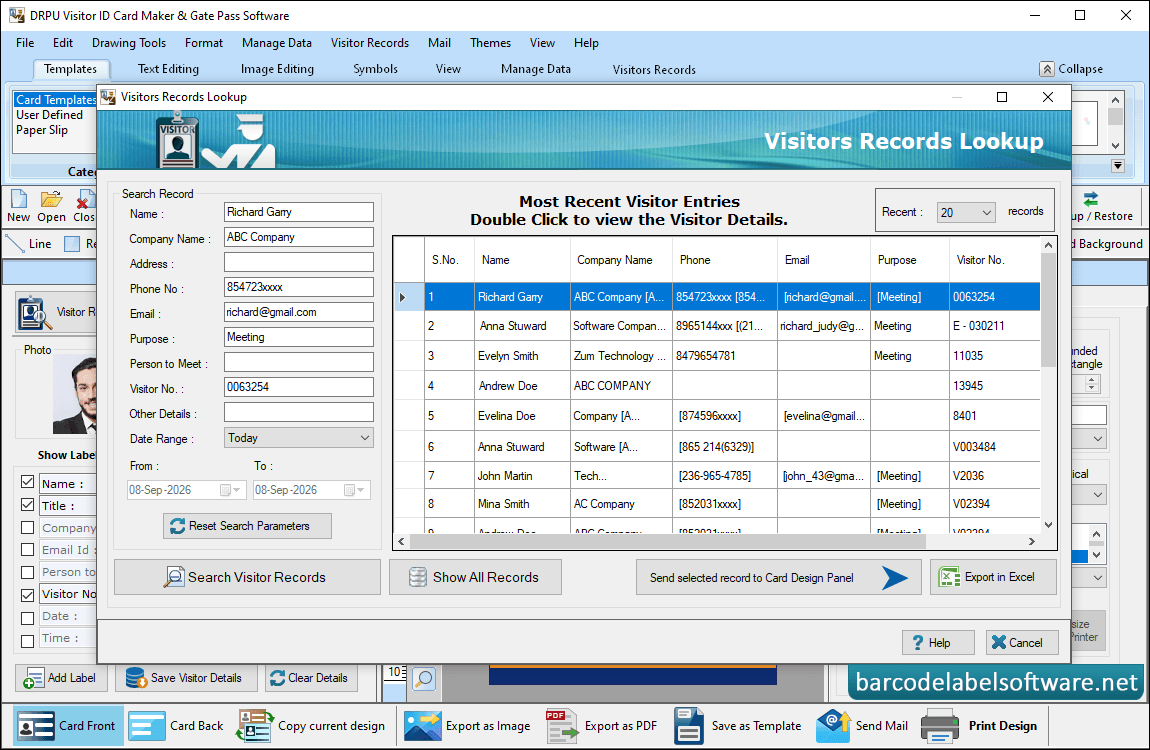
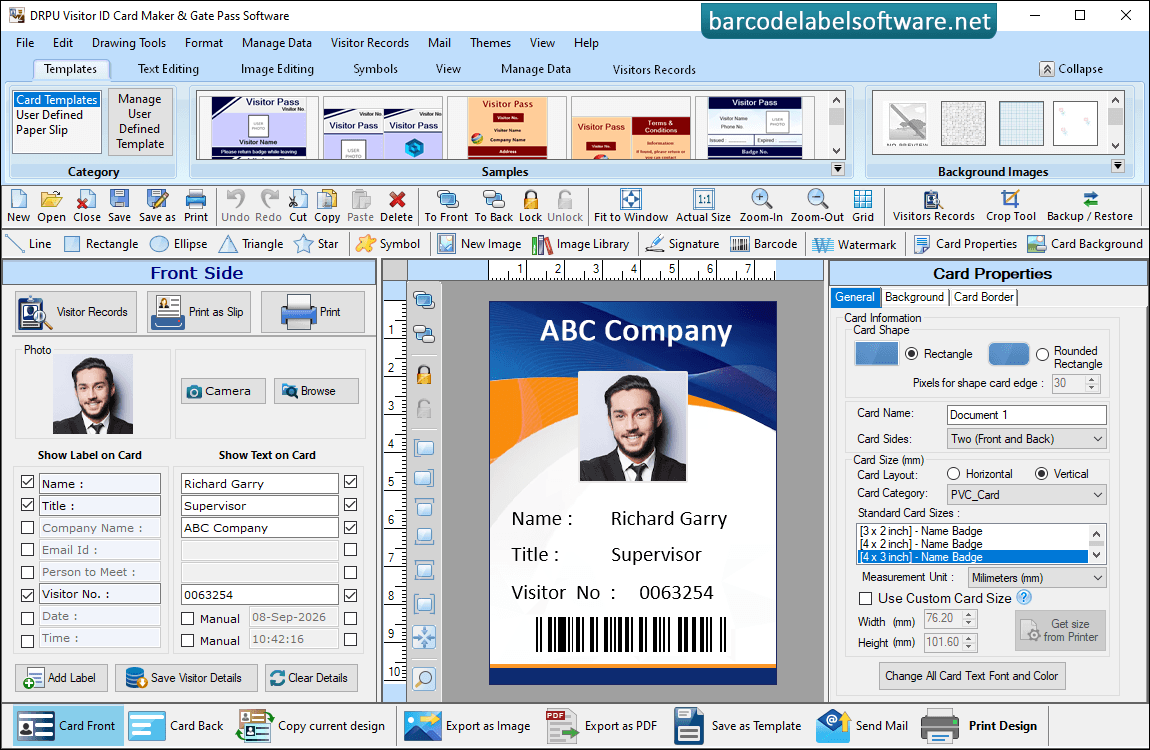
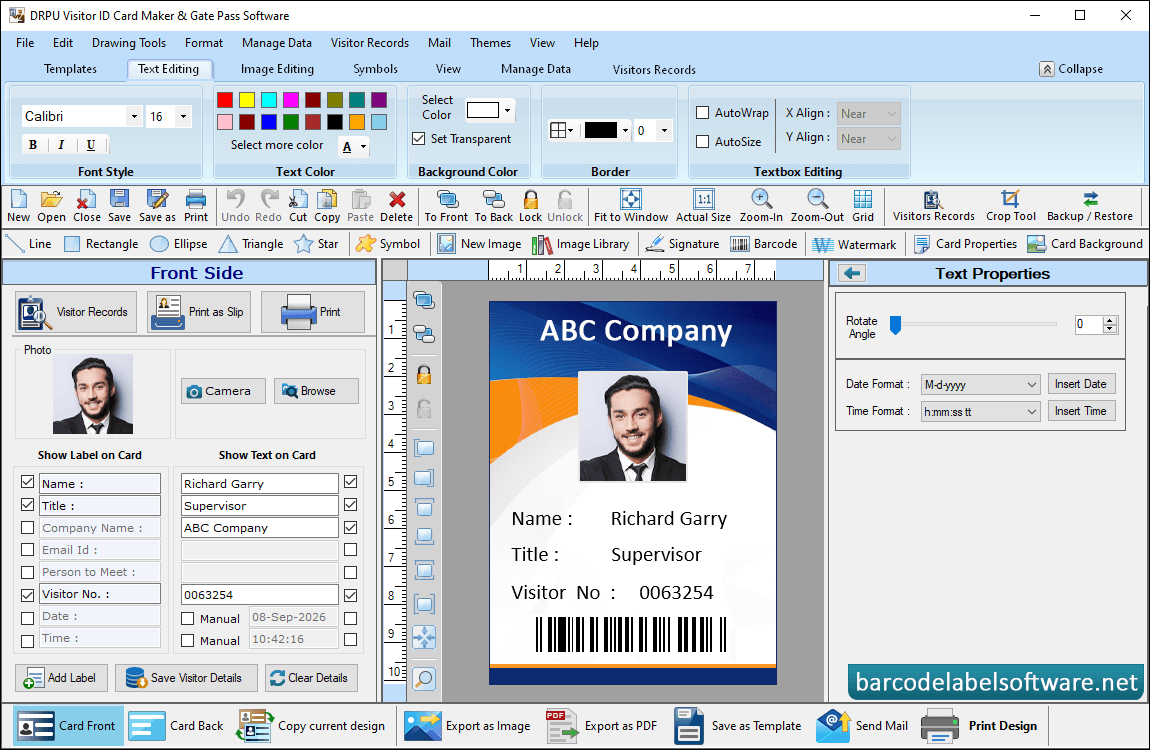
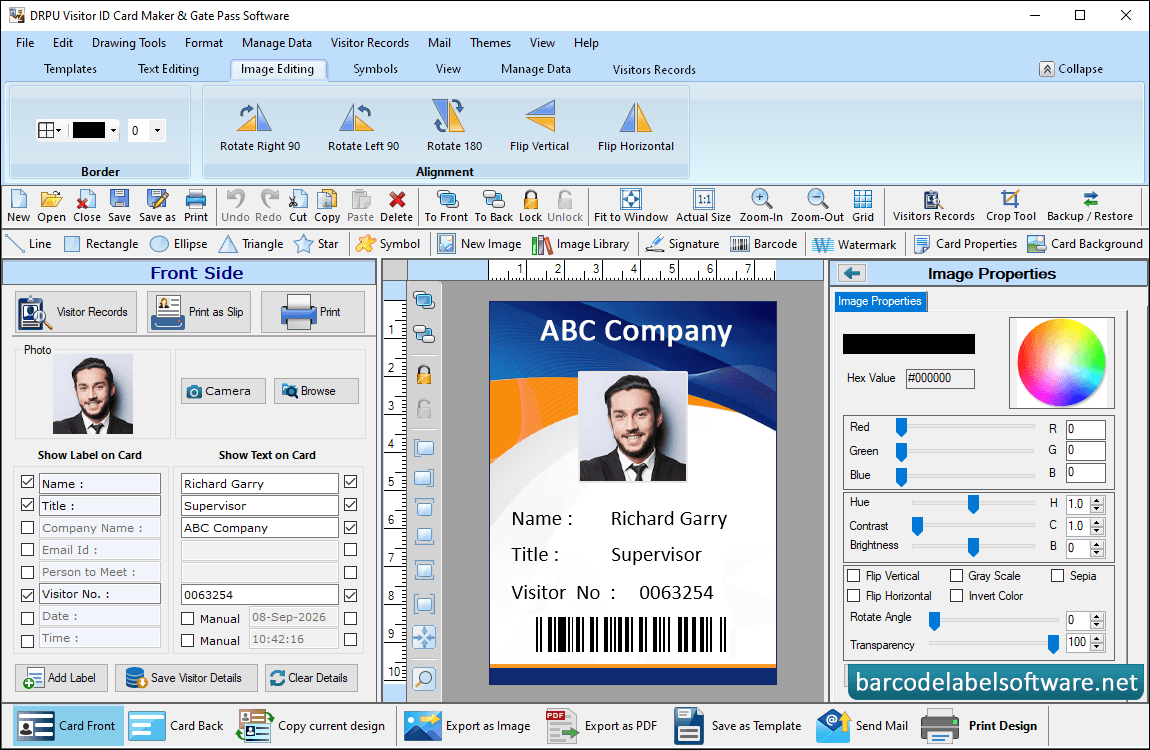
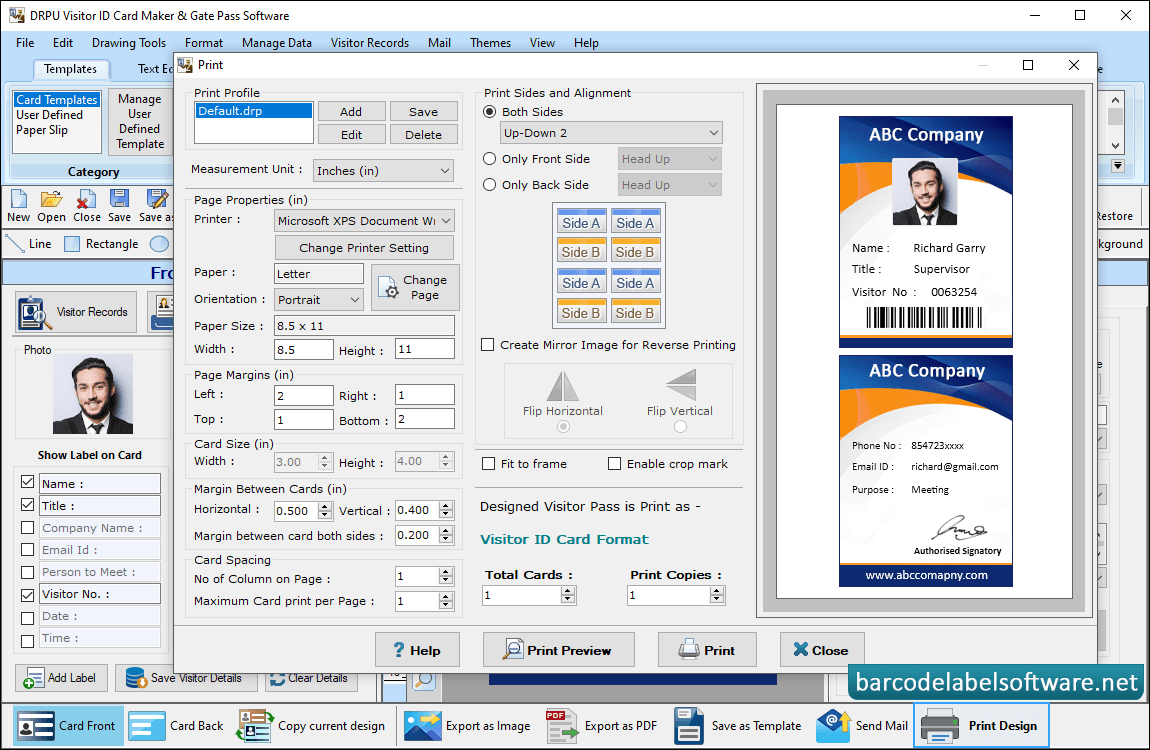
Software has two modules to create visitor ID cards, select any one module as we have selected Design using Pre-defined Templates.Software has various pre-defined ID Card Design samples with different backgrounds. Choose any one sample, enter card size and click OK button.Double click to view record the visitor details.Now you can make further modifications in ID cards using card properties and card designing objectsIf you want to do further modification in your id card, then you can use Text Properties.Enter visitor details in 'Show Text on Card' fields. Add photo of visitor by capturing using Camera option or by browsing path of image saved on your computer system.To print designed visitor ID card, fill various print properties and click on Print button.