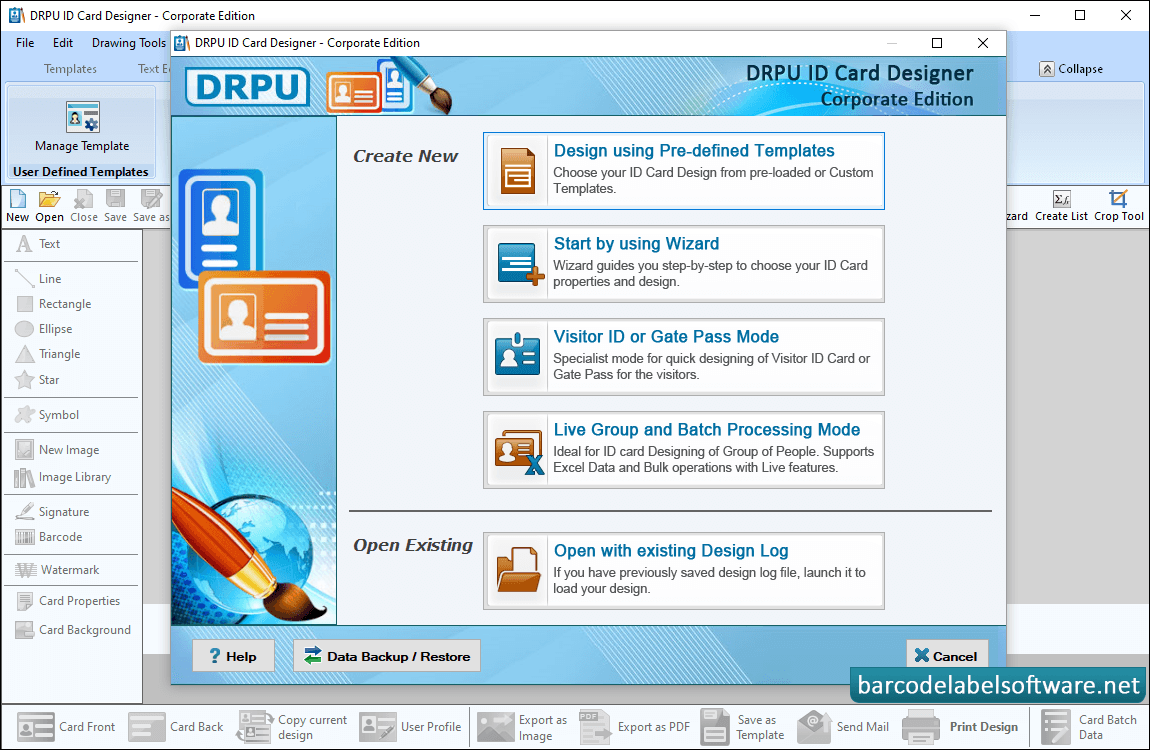
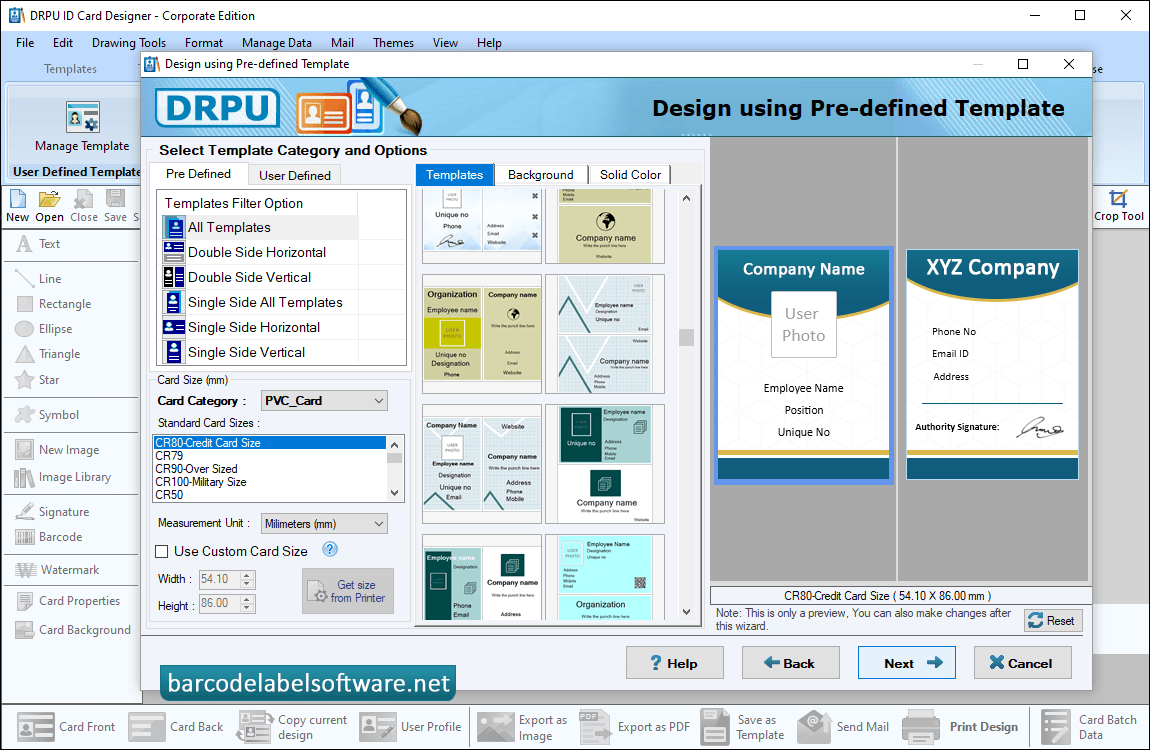
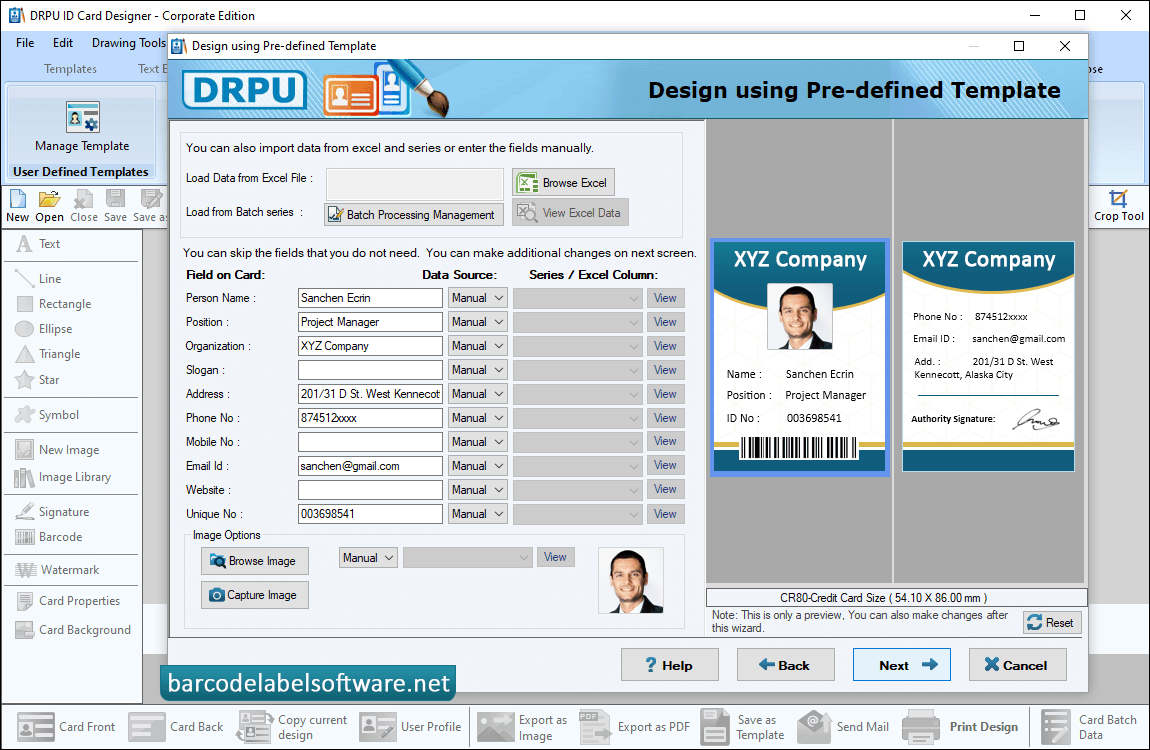
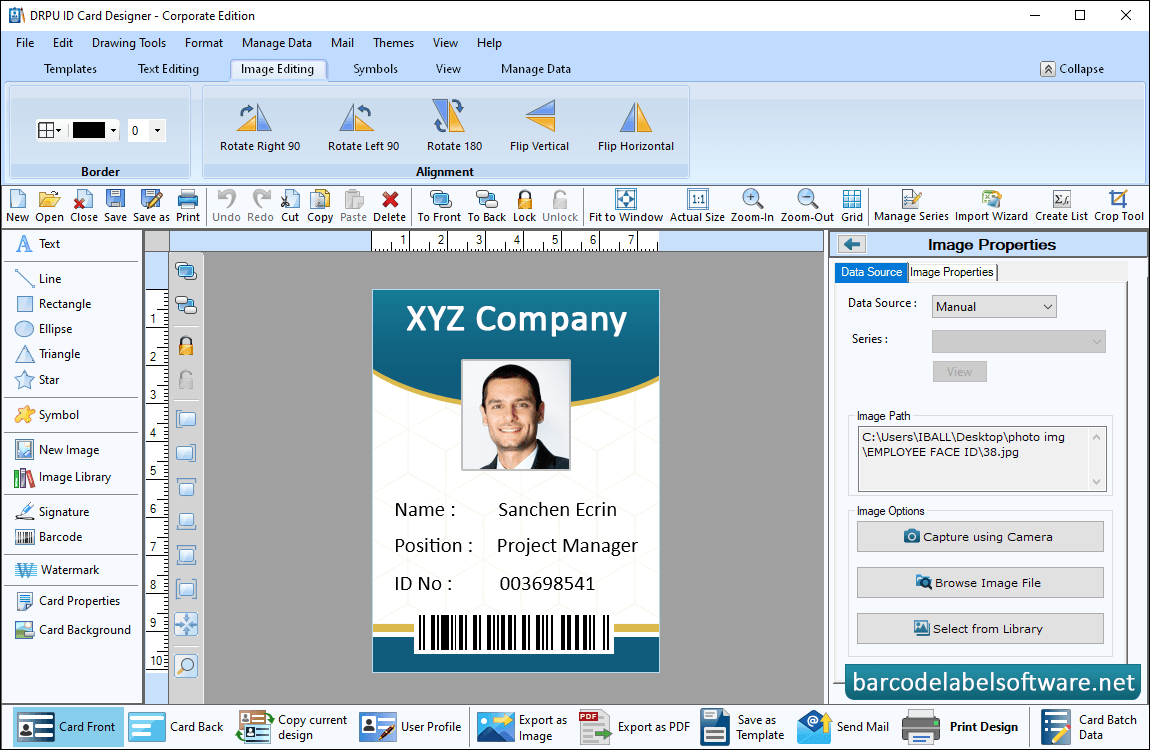
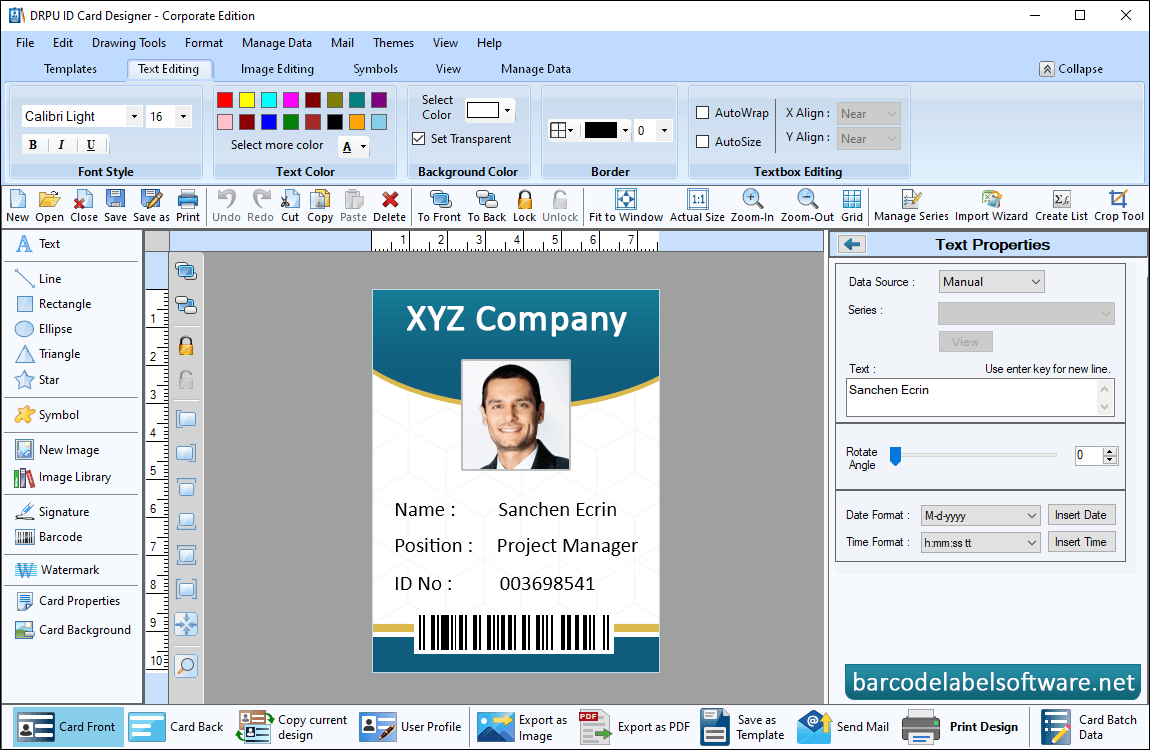
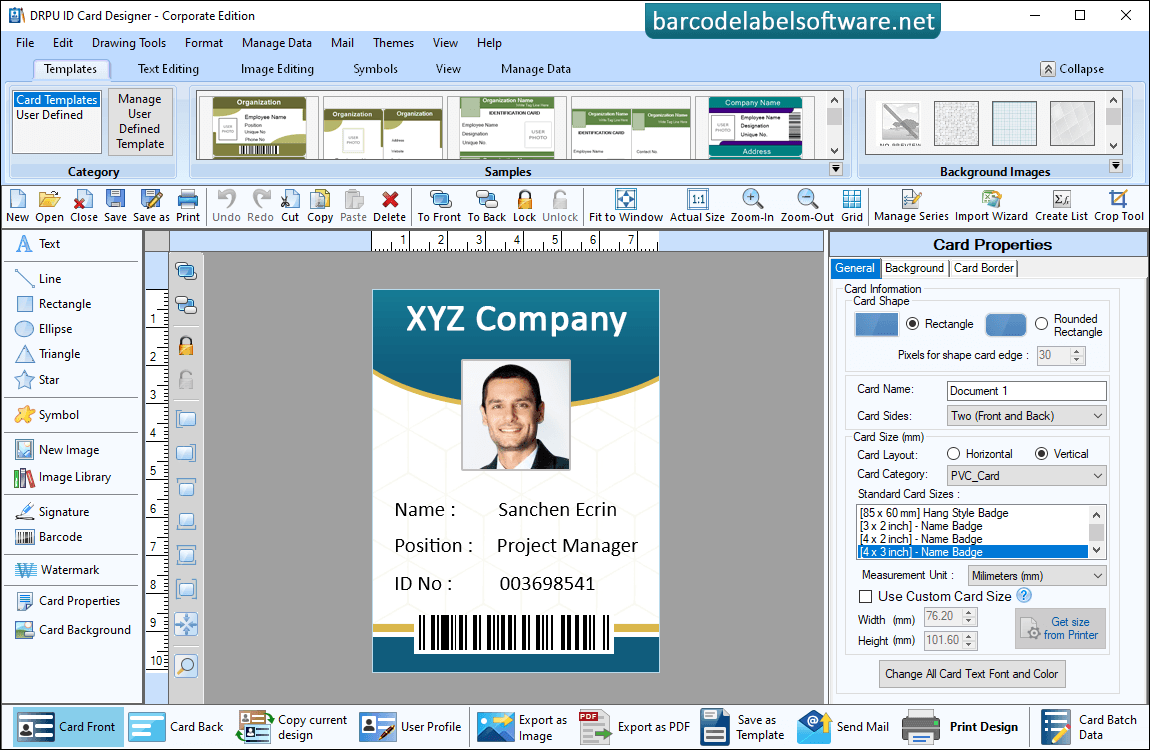
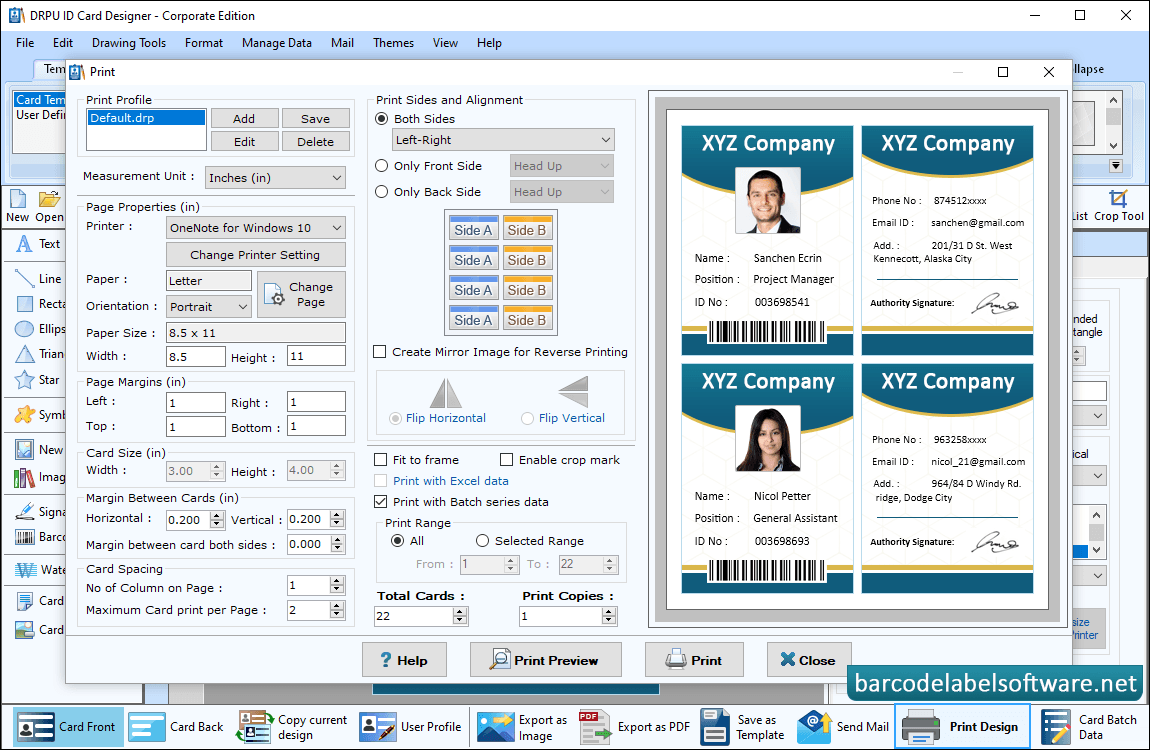
Software has five modules to create ID cards, choose any one mode according to your requirement.Select Template Category and choose any one card sample from pre-defined Card Design Samples. Enter card size and click on 'Fill user profile' option.To generate multiple ID cards you can create batch processing series and you can also import data from excel file. Select Data Source, Series/Excel Column and Select Sides.Using Image Properties, Add photo of card by capturing using Camera option or by browsing path of image saved on your computer system.If you want to do further modification in your id card, then you can use Text Properties.Now you can make further modifications in ID cards using card properties and card designing objects.Adjust various print settings such as Page Properties, Print Margin,Margins and Spacing,Sides and Alignment and click on Print button to print designed ID cards.